
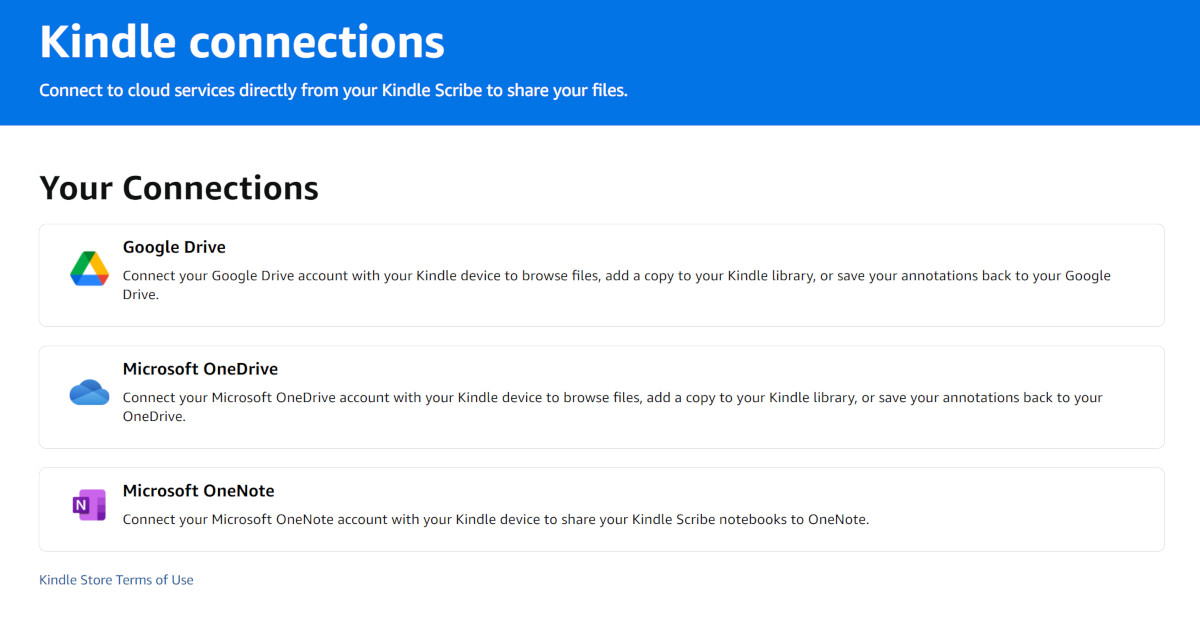
I was looking over the new Kindle Connections page at Amazon with user guides and FAQs about connecting the new Kindle Scribes to 3rd-party services like Google Drive and Microsoft OneDrive, and it raises more questions than it gives answers.
I still find it hard to believe that Amazon added support for using Google Drive and Microsoft OneDrive and OneNote to the new Kindle Scribes—who saw that coming? It makes you wonder if Amazon will ever add that feature to regular Kindles at some point down the line too.
This is what it says about what you can do with those cloud services from Amazon’s FAQ about cloud drive connections:
You can:
- Browse and import your Google Drive or Microsoft OneDrive files directly on your Kindle Scribe.
- Read and write on files imported to your Kindle Scribe Library (see FAQ 2 for a list of compatible files).
- Send compatible files from your Kindle Scribe to your cloud drive as PDFs.
Note: Files don’t automatically sync between your Kindle Scribe and cloud drives. You’ll need to import or export files manually.
You have to admit, that sounds like a pretty handy feature and it’s kind of amazing a Kindle actually supports that given Amazon’s history; it’s surprising they aren’t forcing people to use their own cloud service.
This is what it says about what file types you can import:
You can import:
- Documents: PDF, DOC, DOCX, TXT, RTF
- Presentations: PPT, Google Slides (Google Drive only)
- Images: PNG, GIF, JPG, JPEG, BMP
- Web files: HTM, HTML
- Books: EPUB
- Google Docs (Google Drive only)
Note: Files must be under 200 MB. Files above this limit or not in one of the supported file formats will be greyed out and marked “Not compatible.”
It’s unfortunate to see they’re still setting a 200MB limit like with Send to Kindle when PDFs are often larger than that, and Kindle Scribes are supposed to be devices marketed for annotating PDFs.
Anyway, that part about importing got me wondering how that works exactly. On another FAQ it says that all imported files are converted to Kindle format, so the Scribe still doesn’t support EPUBs natively, it seems. It sounds like all the files are being routed through Amazon’s servers first for conversion because the FAQ says imported files automatically get saved to your Kindle Cloud Library.
My first gen Kindle Scribe doesn’t have these features yet so I can’t test it, but I assume Amazon will add support for cloud connections via a software update. It’ll be interesting to see if they ever add cloud support for these services to other Kindles too. Or is this going to be an exclusive Kindle Scribe feature?
Update: Apparently none of the new features advertised on the new Kindle Scribes are coming to previous gen Kindle Scribes, so other Kindles definitely won’t be getting support for these services either. Amazon being Amazon, yet again.
You can always compress PDFs that are over 200 MB. There are various websites that do this for free. The one site I found that will actually handle files larger than 200 MB is I love PDFs.
Not sure where there info is coming from but yes all generations of scribe will get the updates
Amazon has confirmed older scribes will get the new software updates
Sorry but the website you linked to is the most untrustworthy website in this business. Most of their articles are stolen from uncredited sources, and they get facts wrong all the time because they make stuff up to get clicks, but they know how to game Google search into ranking them at the top. If Amazon really did comment on the update somewhere that website stole that info from the original source and are passing it off as their own because that’s what they do all the time. If you can find another independent source that Amazon says is bringing all the new features to the older Scribes please link to it instead.