
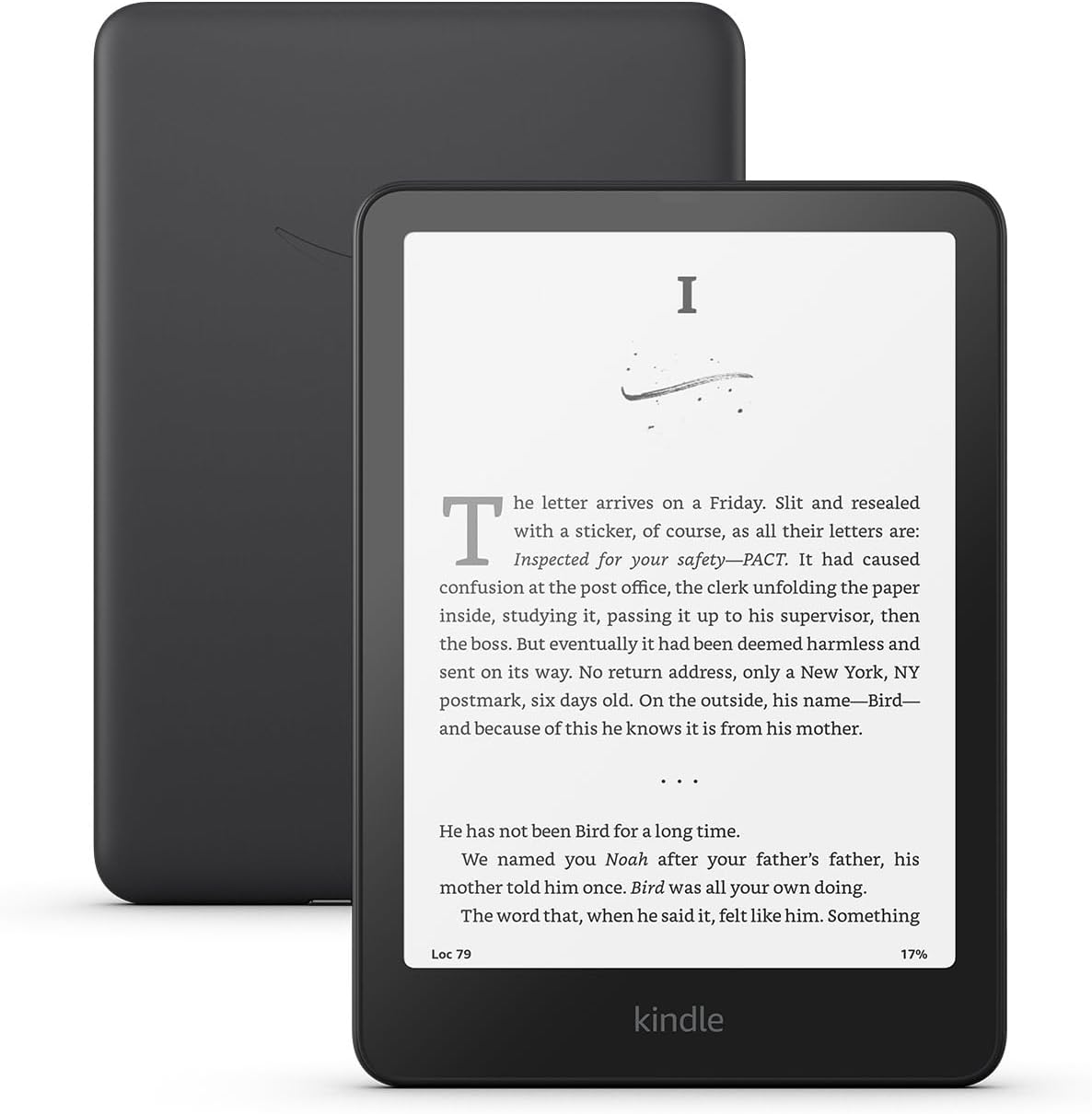
Last month I posted about a new bug that causes the home screen to go haywire on Kindles. I thought it was kind of cool and better than the ad-ridden home screen so I tried to activate the bug on purpose, and now I’m encountering all kinds of issues.
If you want to avoid the same problems with your Kindle, do not add an emoji to your Kindle’s name. All Kindles have the option to name them in settings, and you can also change the name on Amazon’s website, but as it turns out, once you add an emoji you won’t be able to edit it out later.
At first it was just the home screen and Send-to-Kindle email that didn’t work after adding an emoji to my Kindle Paperwhite’s name, but then I noticed that Wikipedia no longer worked either. The Wiki box says the Kindle has to be registered to use that feature.
When you add an emoji to your Kindle’s name it gets confused about being registered. I was still able to download and read books fine, but some aspects of the Kindle acted like it was not signed it.
I figured I could easily fix the problem by going to Amazon and removing the emoji from the name on the Devices page, but now that page refuses to load. It just shows a rotating circle that never goes anywhere. All the other account pages seem to work fine at Amazon; it’s just the Devices page that won’t load.
I tried editing the name on my Kindle, but it doesn’t seem to take. It doesn’t show a name at all anymore, and changing it does nothing.
As a last resort, I tried factory resetting my Kindle, but somehow that didn’t work either. The home page now loads properly after signing in, but other parts of the Kindle still act like it’s not registered, the same as before. Wikipedia still doesn’t work, and trying to sign in again does nothing. The Devices page still won’t load at Amazon, and the Kindle’s name field still shows nothing, and editing it does nothing.
Whatever you do, don’t add an emoji to your Kindle’s name. It not only breaks your Kindle, it apparently breaks the Devices page on Amazon’s website too. Now I can’t change anything, and my Kindle Paperwhite is only partially functional.
I know contacting Amazon support about this will be an act of futility and a big waste of time since they don’t know anything, so I’m hoping the problem will fix itself eventually.
Update: So after having the Kindle unregistered for a while the Devices page loads on my phone, but it still doesn’t load from my computer using the same web browser. Who knows, maybe the two issues aren’t related at all but it seems like an odd coincidence. In the meantime, I’ve been using the Kindle unregistered and found some interesting things, like bookmarks behave how they used to before the recent change, and the dictionary window has reverted to how it used to look as well, and after sideloading a dictionary from another Kindle, it works how it used to with the option to open the full dictionary. Apparently there are some advantages to using an unregistered Kindle.
Kindle? Really? I could see if you were an average user lured into the Amazon jungle but an influencer? With abundant devices from which to choose?
And you choose Kindle??
Take the hint, dude: This is a sign from the gods that it is time to switch to a device who’s manufacturer doesn’t hate its users.
As a well-known e-reader reviewer on YouTube (@Kitbetts-masters) wittily put it, if you belong to the 2.5% of people who need more than what Kindle offers (which is why you are reading this blog), then you have other alternatives and other articles that you will identify with more.
Sadly, with the sales and old device discount, Kindle pricing is better than other devices. Build quality seems better too. My Note3 which I really like, developed a cracked screen top (e ink layer and functionality still good) likely from age and holding by the corners—it mostly stayed at home and never had any falls.
Dude, I have like 20 ereaders laying around from all manner of brands. That’s kind of the point of this website, and Kindles, unfortunately, are the main draw when it comes to people’s interest.
To each their own
Try disassociating the Kindle from your Amazon account, then the factory reset, before starting out as a “new” device.
I unregistered it again and am going to try using it that way for a while. I’m learning some interesting things…
Sorry to hear that. I tried the icon trick, briefly and it worked. I went back and deleted the icon because I did not want to incur the Wrath of Amazon, which is what you have done! If I were you, I would get into witness protection as soon as possible. That may not work. The first time you say, “Hey Alexa” Amazon will know it is you through their voice recognition and the wrath will continue.
Why don’t you just boycott the Kindles? They seem to be a right pain in the neck and who wants to go through all those hoops to read an ebook? It kind of defines the purpose, don’t you think? If everyone boycitted them, perhaps Amazon would start acting more userfriendly.
Because, contrary to popular opinion, I actually like Kindles. It’s not like this is some normal usage scenario; I intentionally activated a known bug to see what would happen. One of the reasons I like Kindles is because there aren’t any hoops you have to jump through to read. They’re the easiest brand to just turn on and read. Some people prefer using Calibre for everything, but to me that’s more of a hassle having to manage every single ebook you get with a computer, than just turning on a Kindle and reading.
Kindle is king, my friend. I hope the kinks get worked out quickly for you. Thanks for testing this. I’d probably buy an extra refurbished device for further rolls of the dice.