
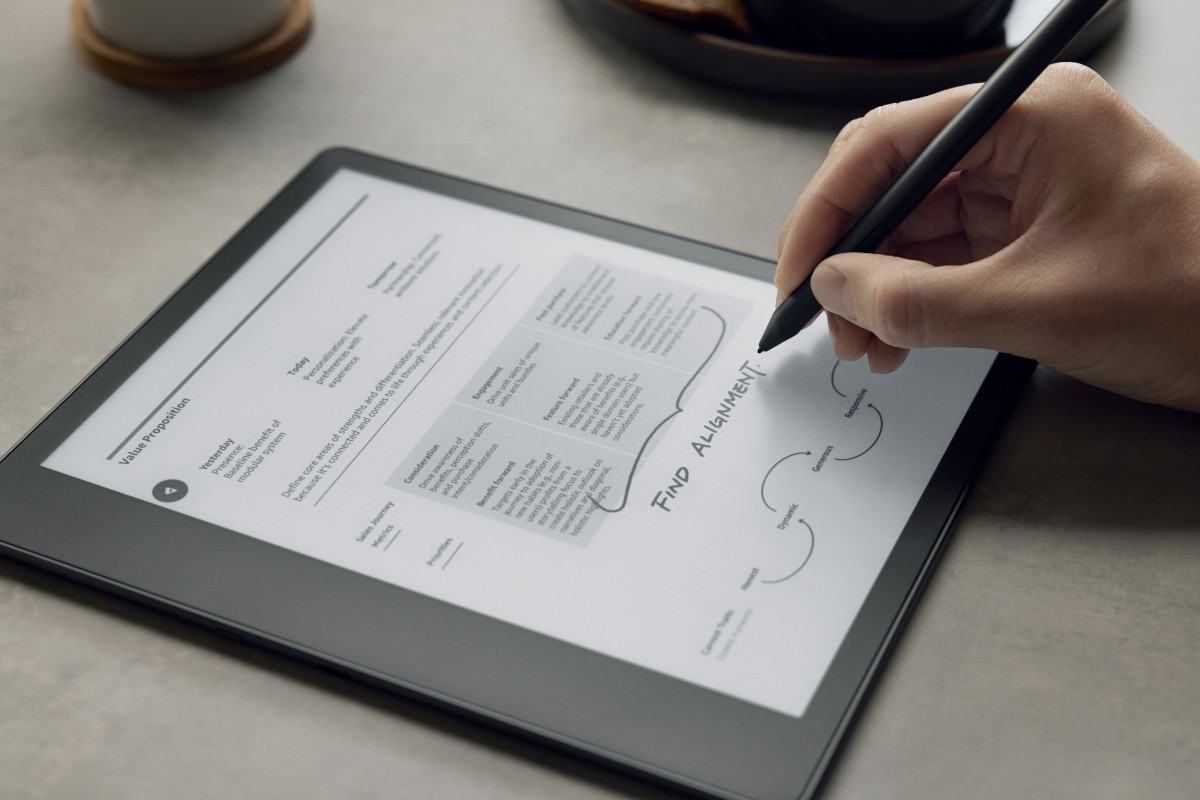
Yesterday I posted about previous gen Kindle Scribes getting some new pinning and underlining features after the latest software update, and there are also multiple reports of Kindle Scribes now supporting writing on PDFs sideloaded via USB.
I sideloaded a couple of PDFs onto my 2022 Kindle Scribe and it’s still not getting that option so it must be one of those features that has to be remotely activated by Amazon first. It’s weird that my Kindle Scribe would get the other new features and not this, but Amazon does all kinds of weird things when it comes to rolling out new software features on Kindles so you never know what to expect.
Previously to be able to write on PDFs you had to use Send to Kindle to have Amazon convert them and send to the Kindle Scribe wirelessly. Now people are reporting that you can write notes directly on PDFs that are loaded via USB.
However, it sounds like anything you add to a PDF on the Kindle Scribe can’t be viewed outside the Kindle Scribe if you load the file back onto your computer. But I can’t test any of this yet so I don’t know the details, and Amazon hasn’t updated their website yet to say anything about this new feature. In fact, on this Kindle formats page it specifically says the “Kindle Scribe doesn’t currently support writing directly on the page in PDF documents loaded via USB-C”, but apparently that is no longer the case for some folks.
One thing I do know is the 5.19.2 software update introduced a lot more changes than Amazon is letting on in the release notes, which just say “performance improvements, bug fixes, and other general enhancements”. I don’t understand why they can’t just be upfront about what changes to expect with each update; they’re always hiding everything like it’s some big secret.
Has your Kindle Scribe received the update that supports writing on PDFs loaded via USB?
Leave a Reply