
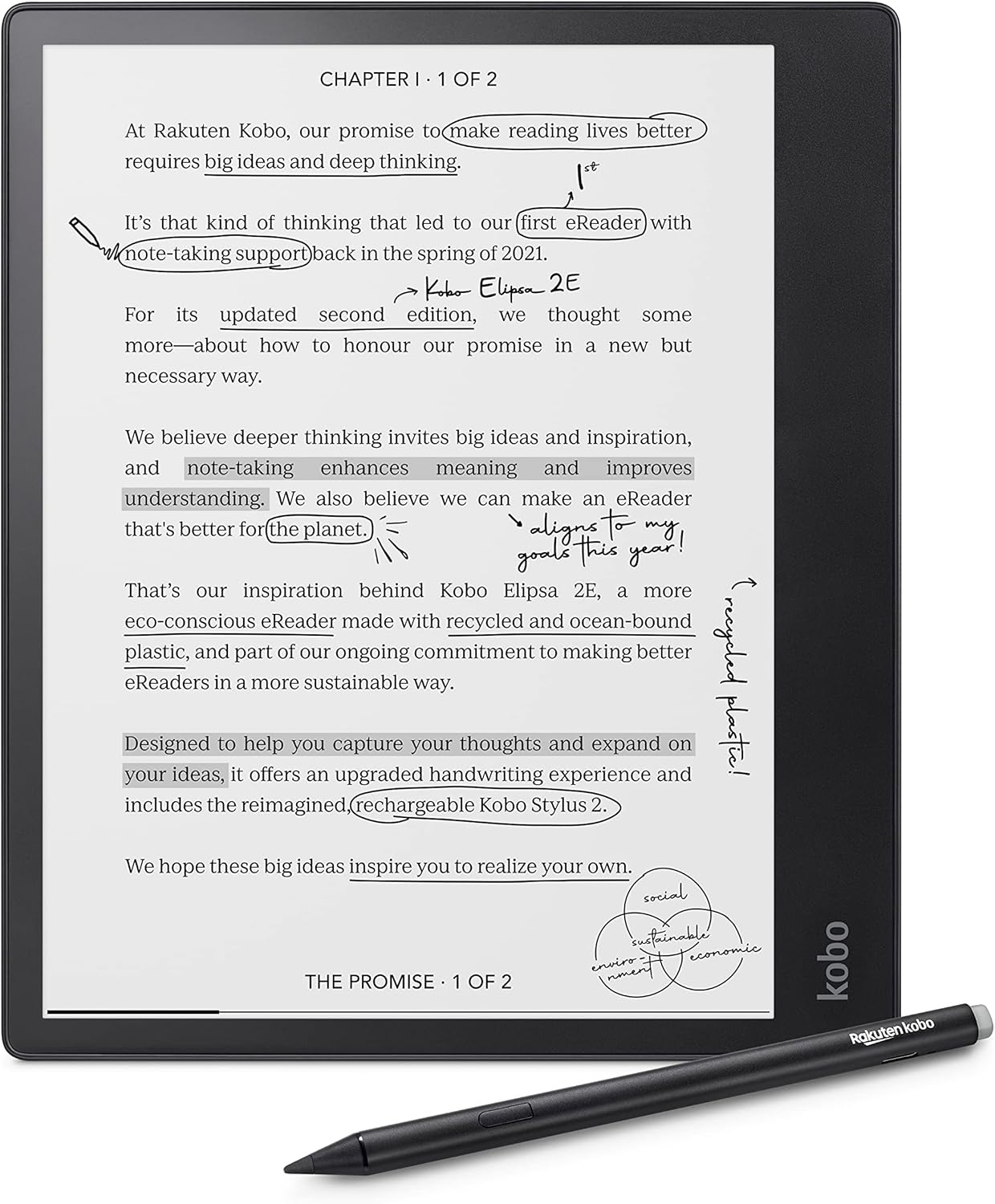
There’s a notice on Kobo’s support website about a new issue that’s causing problems for some folks when trying to buy ebooks using the built-in store on Kobo eReaders.
Apparently the issue is caused by something called 3D Secure (3DS), which is used to validate payments in Europe and the UK. Sometimes the process doesn’t work properly and it results in a blank screen during checkout when trying to make purchases directly from Kobo’s devices.
There’s this new help page with some workarounds, but frankly they’re pretty weak. They basically say you should use a phone or tablet to make purchases instead of your Kobo ereader if you encounter this problem.
There’s no mention on the support page of them working on a permanent fix. They seem to be blaming 3DS and the E Ink screen for not displaying the verification step properly.
These types of issues seem to be cropping up fairly regularly on Kobo’s ereaders lately. They really need stop skimping on software development and start modernizing some of their security protocols. It seems like every few months there’s some new issue with logging in to some related product or service (like OverDrive not supporting multiple library cards anymore).
One nice thing about Kobo’s ereaders is how simple and easy-to-use they are, but at some point they need to start modernizing their software. The web browser is barely usable; a lot of these problems could be remedied with a functional web browser. Onyx has proven that web browsers can work surprisingly well on E Ink screens and they can be updated for modern security standards, but Kobos and Kindles are stuck with web browsers that are seriously outdated and barely functional.
It’ll be interesting to see if Kobo ever fixes this problem or if they’re just going to let it go like they did with the OverDrive login option disappearing and other login options no longer working properly.
Leave a Reply