
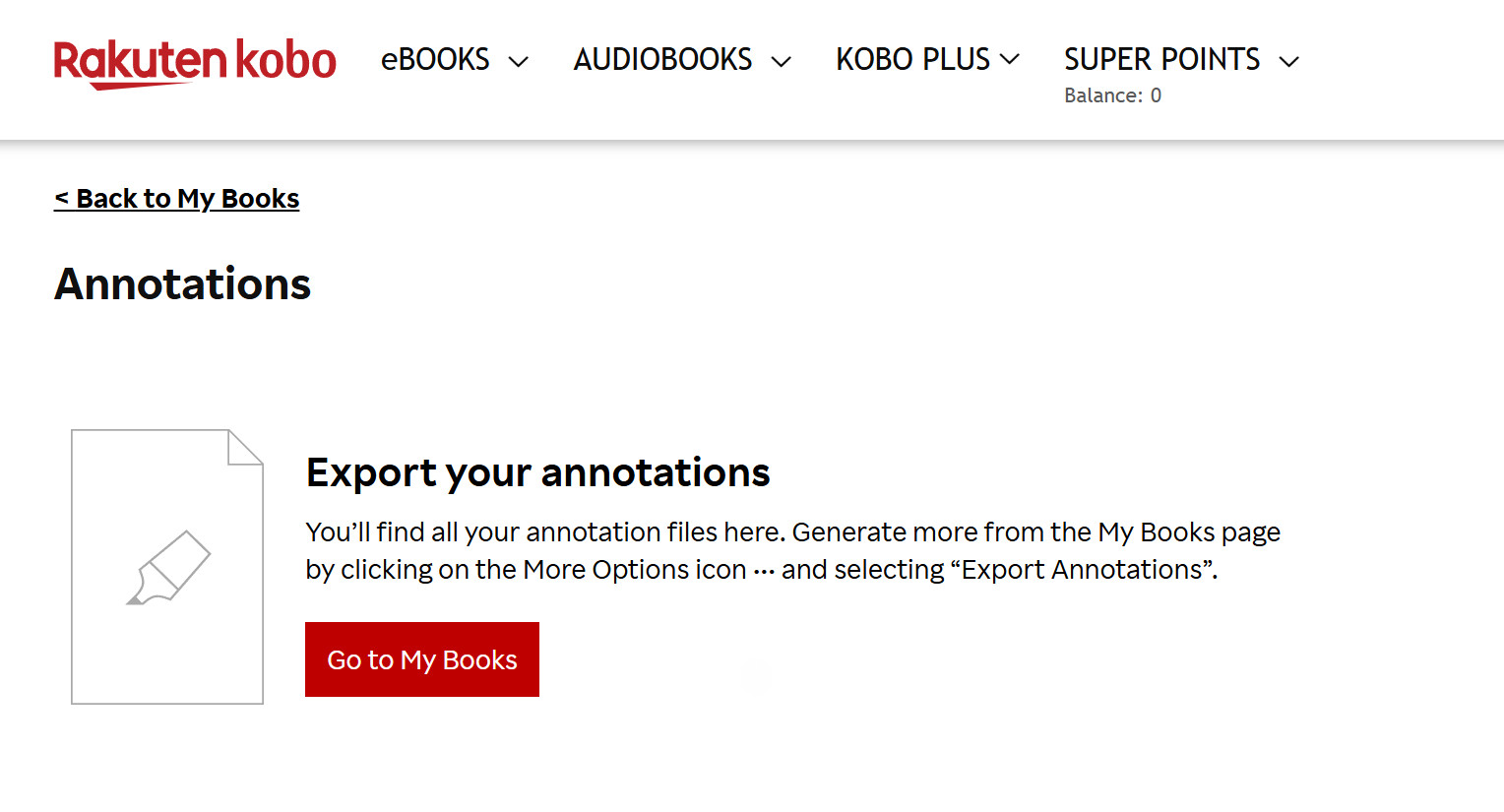
It looks like Kobo is in the process of finally adding support for exporting annotations from Kobo ebooks, with support for exporting notes and highlights in PDF, HTML, TXT, and Markdown formats.
The weird thing is I haven’t heard anyone talking about this anywhere yet, and I haven’t seen any official announcements from Kobo, but there’s an annotations menu on my Kobo account that I never noticed before, and there’s a help page on Kobo’s website that explains how to export annotations from Kobo ebooks.
I just tried testing this and it doesn’t seem to work so maybe they’re still in the process of getting it up and running, and the help page says it might not work with all books so who knows what’s going on.
One thing that people have been complaining about for a long time when comparing Kindles to Kobos is the fact that Kobo didn’t offer an easy way to export notes and highlights added to ebooks. There were 3rd party workarounds, some requiring a subscription fee, but now it looks like Kobo is finally adding their own annotations export option.
The help page says it works for highlights and notes added to purchased Kobo ebooks and Kobo Plus ebooks (not sideloaded books). It does not export markups using the stylus, just text notes and highlights.
Exported files are stored on your account for 30 days after they are generated before they get deleted. I don’t understand that part. Why wouldn’t you just download the file after generating it? Can’t you just generate it again if you need to re-download it? Why would the file need stay active for 30 days?
I tried following the directions on Kobo’s help page, but so far the “Export Annotations” option isn’t appearing under any of my ebooks, despite the annotations menu appearing on the account page and main drop-down menu.
Has anyone else been able to get the new export annotations feature to work?
I almost never buy any books from Kobo. We have independent book stores in Canada. So,I guess the features is useless for me.
No, it doesn’t work for me either. I really love kobo, but I don’t understand why they don’t have a decent way to get your highlights (I mean, they can give you a .txt file with all the highlighted text, but nothing more, no chapters, no book progress/location per highlight… nothing.) I haven’t tried any of the paid services (I can’t afford it, either), so that’s why I decided to build a desktop app myself to extract the quotes with the info that I wanted (and it works for bought, borrowed or sideloaded books). It was a fun project and I polished it for everyone to use too… but that aside, Kobo is a single-use device for reading, getting your highlights in a clean format from it should be a native-feature.