
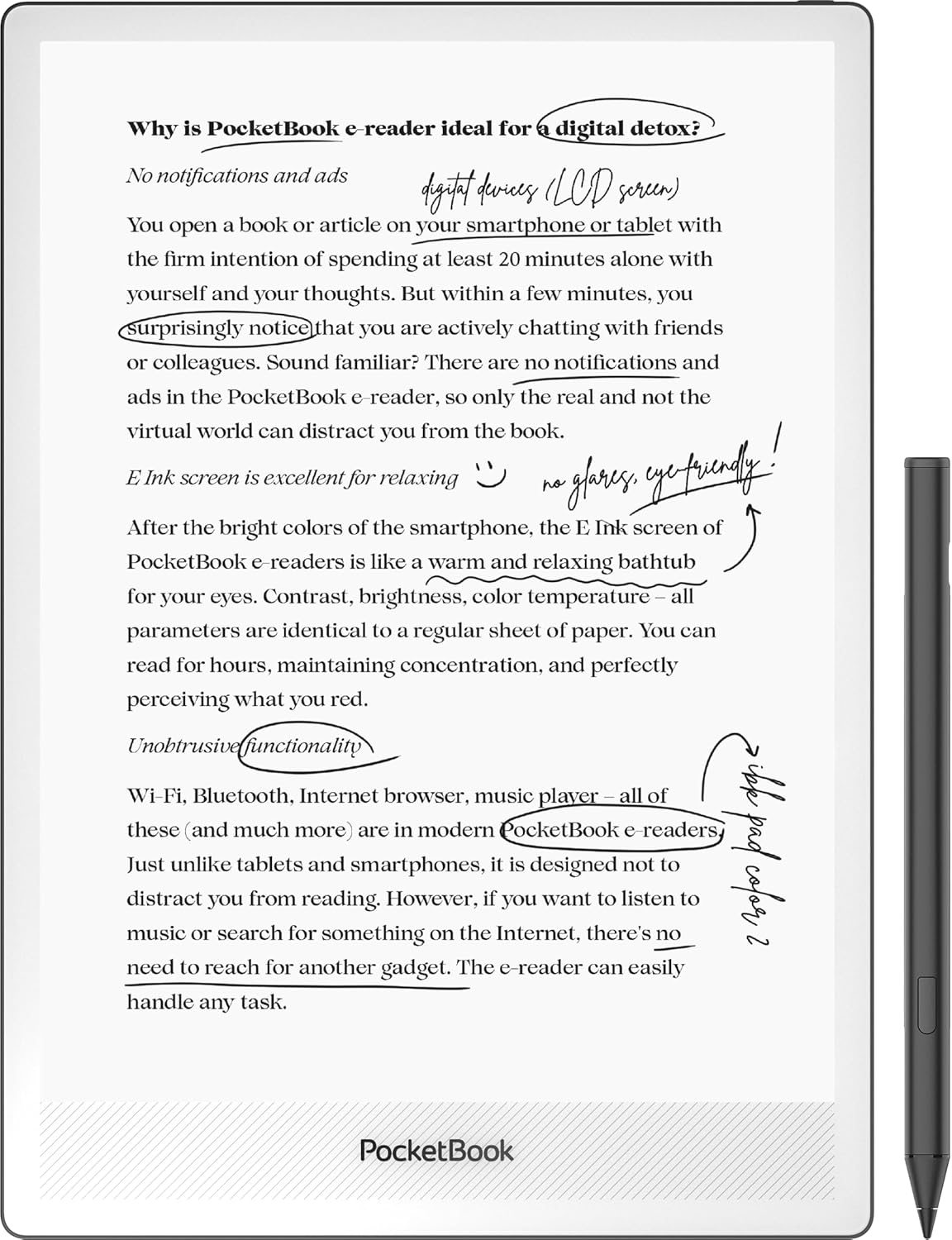
Last month PocketBook announced a new 10.3″ ereader with a stylus called the InkPad One, and it’s now available to order from PocketBook’s Amazon store, and the price is surprisingly reasonable.
The PocketBook InkPad One is selling for $359 with free shipping, making it one of the most affordable eNotes on the market, and between the Mobius screen and aluminum frame it should be one of the most durable too.
That’s the most interesting thing about the PocketBook InkPad One, the fact that it uses an E Ink Mobius screen instead of a standard E Ink Carta screen, which have a thin glass back layer that is easily cracked. The Mobius screens are flexible and use plastic backing so they are supposed to be a lot more durable and resistant to breaking.
The only downside with the Mobius screen is it has a lower resolution than current gen Carta screens. Instead of 300 ppi, it has 226 ppi. That might be a deal-breaker for some, but I still have an old Onyx eNote with a Mobius screen and it looks fine. It doesn’t look quite as nice as the Kindle Scribe with a Carta 300 ppi screen, but it’s not a huge difference, and with the larger screen the resolution dip isn’t as noticeable as you’d think.
Mobius screens used to be a lot more expensive than Carta screens, but that no longer appears to be the case, so maybe more companies will start using them.
Other than using a different type of screen, the specs for the InkPad One aren’t particularly impressive. It has a quad-core CPU with 2GB of RAM and 32GB of storage space, with no memory card slot. It supports Bluetooth and WiFi, of course. It does have a frontlight with adjustable color temperature, so that’s a plus.
A stylus is included, but like most newer eNotes it’s not Wacom. Their description just says “active stylus”. I don’t think PocketBook states exactly what technology they’re using anywhere, but it’s probably USI 2.0.
This model runs PocketBook’s Linux-based software, not Android like some of their other models. It doesn’t have any page-turn buttons, which is pretty unusual for a PocketBook device.
At $359, the price is pretty reasonable for a large-screen ereader and eNote. But Onyx recently released two new gen 2 Go 10.3 models with Android 15 and 300 ppi Carta screens. The base model costs $399, but it lacks a frontlight. The Lumi version with a frontlight sells for $449.
For a device with a Mobius screen this is a surprisingly good price.
€299 in EU, not bad at all.
Great price! The resolution doesn’t bother me. Better than my first “HD” screen which was 212 ppi. Having cracked a screen once I appreciate the Mobius plastic backing.
can you actually access the linux environment like you can on the remarkable?