
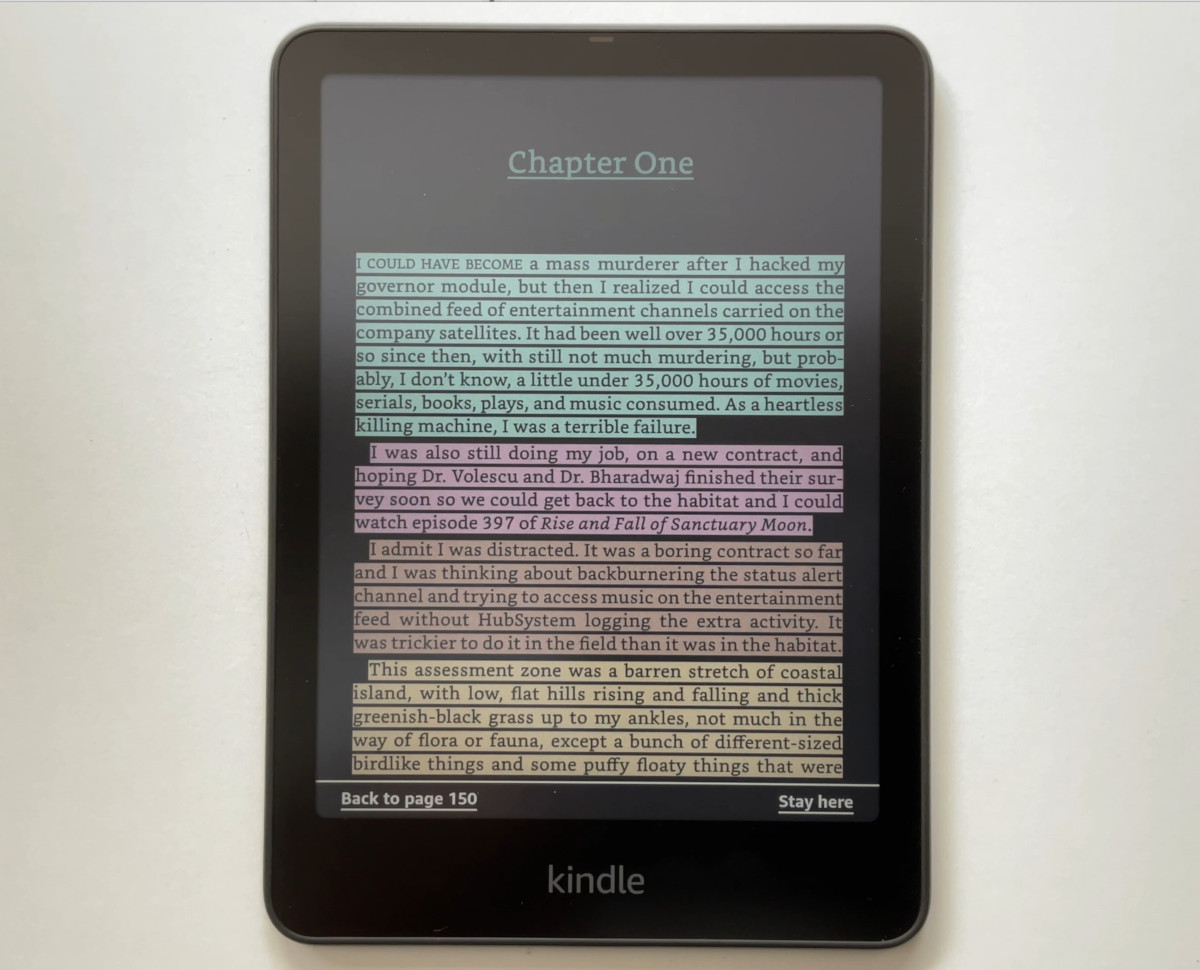
I’ve been seeing a bunch of posts online about the Kindle Colorsoft now supporting true Dark Mode across the entire interface like black and white Kindles have for years now.
This is one of those new features that has to be activated by Amazon before it will show up, and not all Colorsofts have gotten it yet. It’s been almost a month since the last 5.19.3.0.1 software update was released, but the Dark Mode feature has just started showing up on Colorsofts during the past week.
Amazon is rolling out Dark Mode on all Colorsoft models, including the new Kindle Scribe Colorsoft. But it might take a little while longer for it to show up on all Colorsofts. Keep your Kindle connected to WiFi is hasn’t shown up yet; just having the latest software installed isn’t enough.
When Amazon first released the Kindle Colorsoft in 2024, it had the option to switch the page color to black for white text on a black background, but it didn’t have full Dark Mode like other Kindles that inverts the menus and library and home view and everything else.
It’s good to see the Colorsoft is finally getting true Dark Mode after a year and a half. It can be jarring to go from a black screen to a blinding white screen at night. And Dark Mode is especially nice on color E Ink screens because it hides the color grid layer, making the screen door effect much less noticeable than when the screen is white.
I checked the product pages at Amazon and they are still saying the Colorsoft models don’t have Dark Mode, but that is no longer correct. The Colorsoft models do support system-wide Dark Mode now; Amazon just hasn’t updated the Colorsoft pages yet. They’ll probably start advertising it when the 5.19.4 software update gets released.
Dark mode is active on my Colorsoft and I’m surprised they give you choices. You can choose between full dark mode or dark page, white menu, or white page, dark menu. Whatever combination suits your particular needs.
I can’t imagine being excited about Dark Mode. Ever.
Hmm… I have Dark Mode, now, but honestly I can’t see well enough with it turned on. I have to crank up the brightness to maximum and it’s still not comfortable.
And the interface and Library are unusable with it turned on.
Disappointing 🙁
What I noticed is if you select the system wide dark mode the lights dim by 50% and you can’t make it brighter.