
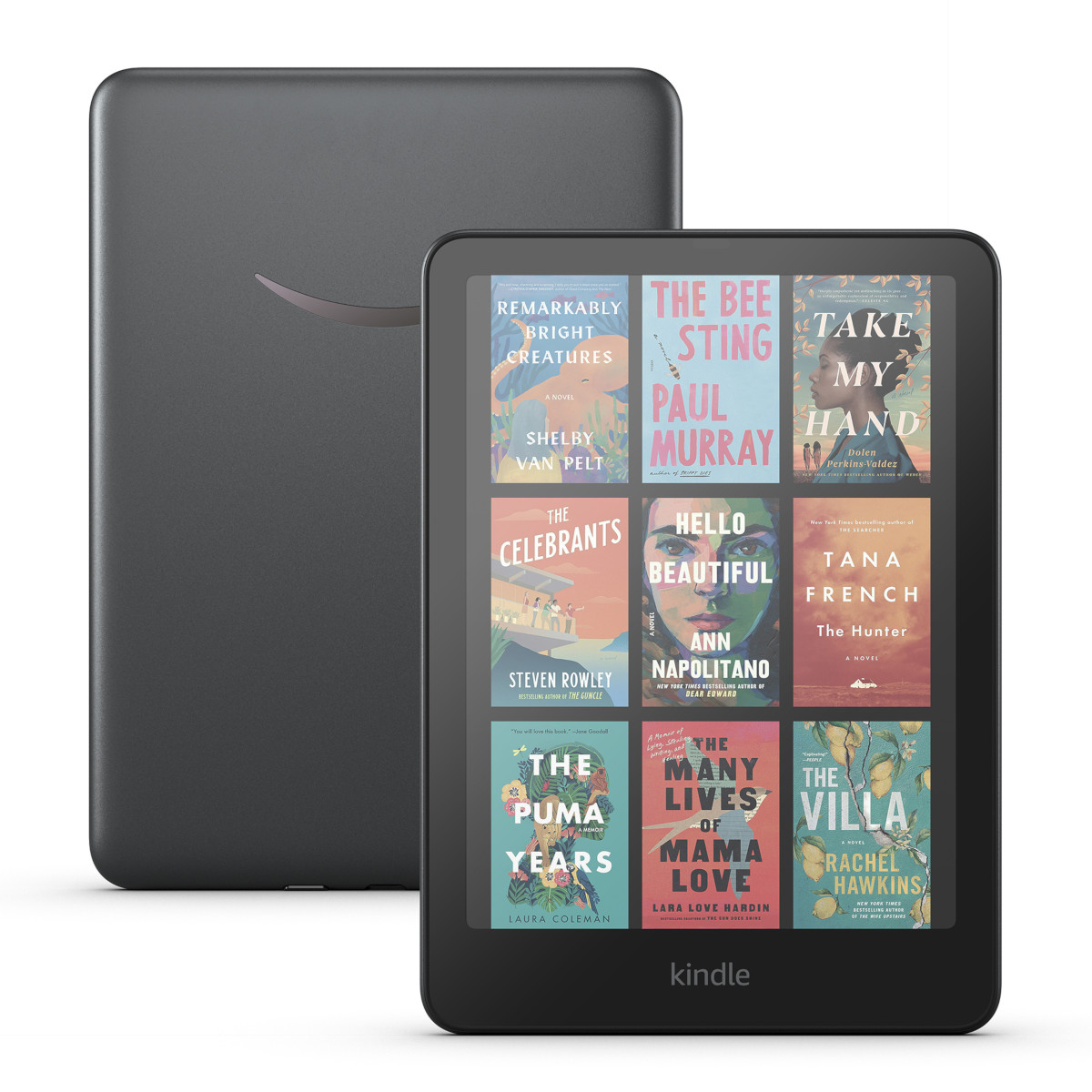
Amazon has released another software update for Kindles, but so far it’s only available for a few models.
As of this writing, the 5.19.4 software update is available to download for the Kindle Colorsoft (but not the Scribe version), the 12th gen Kindle Paperwhite, and the 2022 Kindle Scribe.
It’s weird to see the 2024 Kindle Scribe still being on the previous software when its hardware is the same as the 2022 model, but they’ll probably update it along with the new Scribes soon.
Kindle software updates are all over the place lately. They stopped updating 10th gen Kindles a year ago, even though they were supposed to get security updates through 2026. Two of the three 11th gen Kindles are still on 5.19.2. Now three models are on 5.19.4, while four models are on 5.19.3.0.1.
This latest update has different release notes for each of the three Kindles it’s available for, and I have a feeling there are some new hidden features they aren’t mentioning in the changelog.
Here’s what the release notes say for the 2022 Kindle Scribe (with the wrong month of release, like usual):
Version 5.19.4 – April 2026
Here’s what’s new:
Shapes: Added Shapes to the writing toolbar for quick shape insertion. Also added Smart Shapes — draw a shape in one stroke and hold the pen down at the end to neaten it automatically.
Handwrite notes on images: You can now use your Pen to handwrite on images in eBooks with enhanced typesetting and Word documents sent to Kindle.
Performance improvements, bug fixes, and other general enhancements.
As expected, the release notes for the Kindle Colorsoft say it now has Dark Mode, which was actually added before this update:
System-wide Dark Mode: Added system-wide Dark Mode for a more comfortable low-light viewing experience. Turn it on from Quick Actions (swipe down from the top of the screen) > Dark Mode, or Settings > Screen and Brightness > Appearance > Dark Mode
The release notes for the 12th gen Kindle Paperwhite haven’t been updated so who knows what to expect there, but surely something had to change for the update to exist. There are reports this update fixes some of the problems introduced with earlier updates for sideloaded content, so that’s a good sign.
Every time a new software update lands, the first thing I check is to see if they brought back the option to open the full dictionary when looking up words, but it’s been like 5 updates now and it’s still not back. It got replaced with “Share on Goodreads”, which makes no sense whatsoever. Why would you share a single word on Goodreads?
They did add the option to open the vocabulary builder at the bottom of the dictionary window, but there’s still inexplicably no option to open the full dictionary so you have to open it manually from your library if you want to take a deeper dive.
You can download the 5.19.4 software update from Amazon’s Kindle updates page if you want to install it manually, or you can just sit back and wait for it to automatically install on its own at some point in the future.
I just did a restart of my 2024 paperwhite and it updated.
Interestingly, the software version on my basic Kindle (2024) is 5.19.3.0.2.
I restarted my kindle and it updated very quickly
This new software update wiped both my Kindle Paperwhite and Kindle Colorsoft. Everything is broken. I cannot go to the Amazon eBook Store without error messages and freezes. All of my downloaded eBooks, documents and any audible downloads are all gone. It shows my library as empty on both devices. I had over 2,000 eBooks downloaded. It is crazy that the Storage Management in Settings shows that space is used, but I cannot access my eBooks or other content. I am so sick of Kindles and their buggy software updates. I really hate to reset my Kindles because all of my eBooks do not show. I have to go to the Content Library on Amazon’s website and select which eBooks to download to my Kindles. All of my eBooks do not auto populate when I sign in on the Kindle devices. I do not know why all of my purchased eBooks do not show. Even Amazon’s reps do not know why the eBooks do not auto populate. Just some mess I have to deal with regarding Kindle devices. I swear I think I might just stick to iPads for reading. They have been less buggy as a Kindle device using the Kindle iOS app than actual Kindles with e-ink screens.
You tried a reboot, right? It’s amazing how often that fixes stuff like this.
I did. And you are right. They both seem to work so much better and all of my eBooks show on both Kindles correctly. They both show the same number of eBooks. Some eBooks will not show their book covers, but I am happy that all of my eBooks show since resetting both Kindles. So, I am happy now. Plus, Wi-Fi troubles I had before are now gone. Overall, a good update, but I did not realize how good the update was until I reset both Kindles. Thank you.
5.19.4 side loaded mobi/azw3 manga fixes:
fixes manga 2 page landscape order bug from 5.19.3 where pages were on wrong side
adds manga page turn animation option removed in 5.19.2
manga % read tracker working again from 5.19.2
manga page turn speed greatly improved since 5.19.2
But the virtual panel / 4 corner zoom is still missing. But hopefully this will come back in 5.19.5.
Also, embedded fonts are fixed in both side loaded and Kindle store books.
Made a summary video here: https://youtu.be/ExphfSR2xBE?si=iwQNlY3rZqFyFMiN
I can’t believe the open dictionary feature is not back yet. I’m not updating again.