
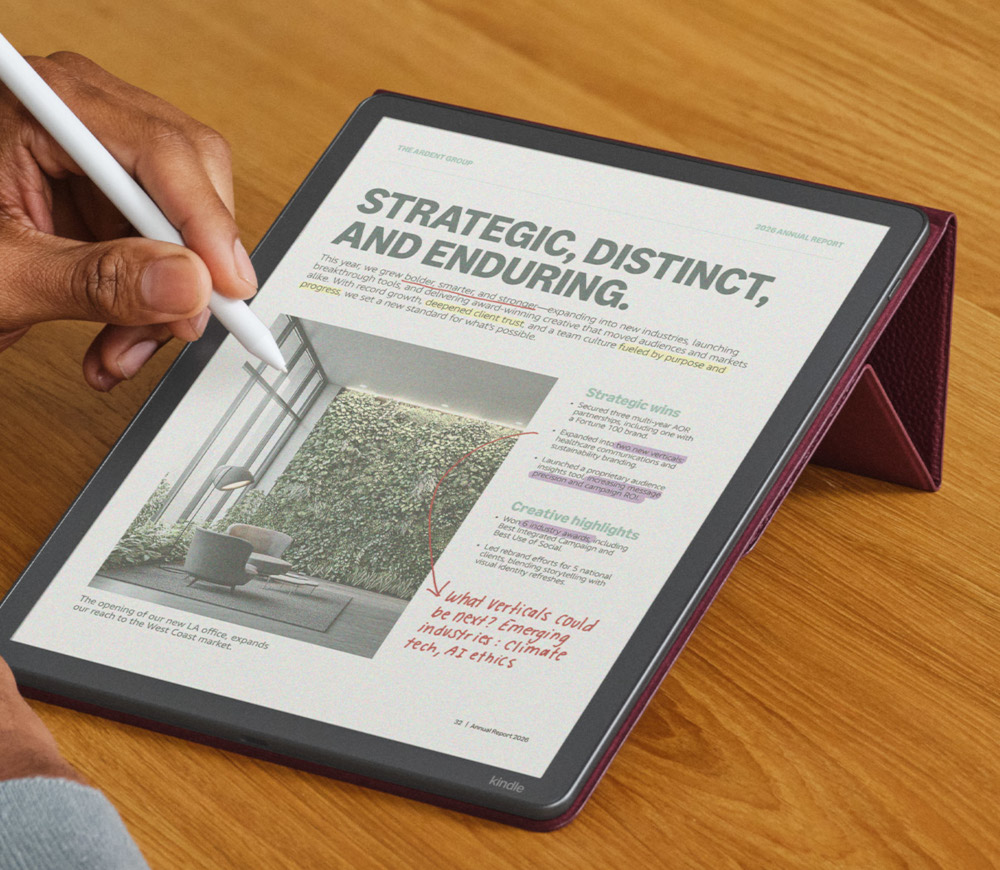
I don’t know if this is new or I just missed it, but Amazon has a note on the product page for the new Kindle Scribe Colorsoft that says it will be getting system-wide Dark Mode like black and white Kindles in 2026 via a software update.
Here’s the full explanation from the frequently asked questions section:
6. Does this device support Dark Mode? Why can’t I find Page Color in PDFs or notebooks?
System-wide Dark Mode will be rolled out in 2026, but currently is not available on this device. This means that notebooks, documents, PDFs, Home, Library and Workspace can only be displayed with a white background. But, you can enable a similar reading experience within millions of Kindle books using the Page Color feature, which, like Dark Mode, inverts the book page color to black and the book text color to white. To enable the feature in eligible books, open your book, access the Quick Actions menu or the Aa menu, and toggle the Page Color to black.
It’s kind of crazy that the new $679 Kindle Scribe Colorsoft lacks a feature like Dark Mode that’s available on the previous gen Kindle Scribe that’s currently on sale for only $279.
But it’s good to hear they’re working on adding Dark Mode to the Kindle Scribe Colorsoft. One added benefit with using Dark Mode is it’s a good way to hide the screen door effect caused by the color filter layer on color E Ink screens. Some people prefer to use Dark Mode exclusively with color E Ink.
I checked the product pages for the regular Kindle Colorsoft and there’s no mention about them getting Dark Mode in the future. It just says “Dark Mode is currently not available on this device”.
Hopefully this means Amazon will add Dark Mode to the smaller Colorsoft as well if the Scribe is getting it. But the original Colorsoft was released 14 months ago; you’d think they would’ve added full Dark Mode by now if they were planning to. The Page Color features works the same for inverting ebooks, but most people prefer to have the entire interface inverted when using a feature like Dark Mode.
Does anyone know whether it has Mobius flexible screen panel?
I don’t think so since there’s no mention of it, but they did somehow manage to shave 33 grams off the weight compared to the previous model, despite being larger, and the battery life estimate remains the same for the BW model. I would think the weight would be lower than the advertised 400 grams if it had a Mobius-based screen since the Sony DPT-RP1 only weighed 349 grams with a 13.3″ Mobius screen. But I still have a Boox Note2 with a 10.3″ Mobius screen and it weighs 381 grams. Most 10″ eNotes weigh more than 400 grams so the weight is suspiciously low for an 11″ screen. The Remarkable Paper Pro has an 11.8″ screen and it weighs 525 grams.