
A couple weeks ago Amazon released software version 5.19.3 for Kindles that must’ve had some serious problems because they removed the update from their website after just 2 days, but now they have a new update out that hopefully fixes whatever issues the last update created.
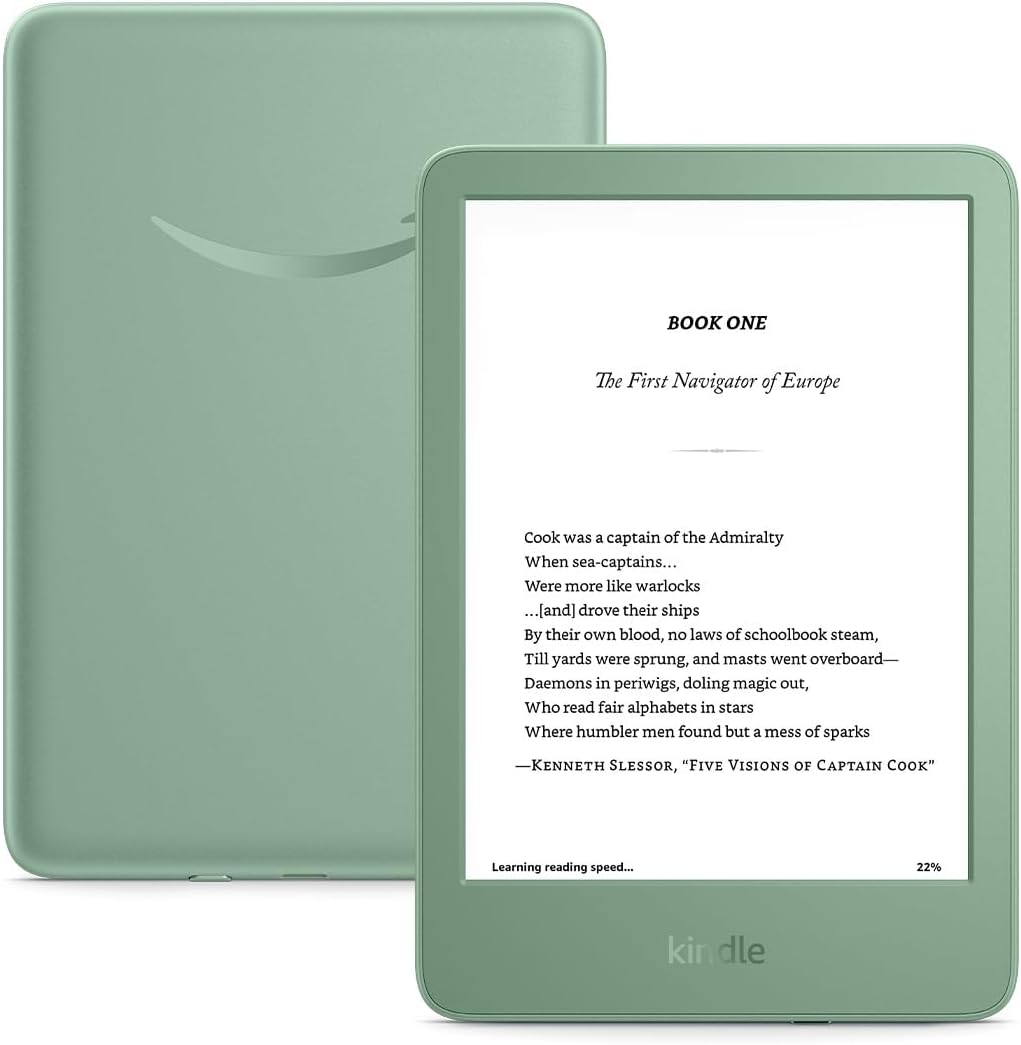
The new software version is 5.19.3.0.1, and it’s available for all Kindle Scribe models, plus the 12th gen Kindle Paperwhite, the Kindle Colorsoft models, and the 2024 Kindle. Once again the update is not available for the 11th gen Paperwhite or the 2022 Kindle, despite it being exactly the same as the 2024 Kindle.
The release notes remain unchanged from the previous update; they could’ve at least changed the date to show the proper month of release:
Version 5.19.3.0.1 – March 2026
Here’s what’s new:
Improved USB-transferred PDFs: PDFs transferred to Kindle via USB now support latest reading features, including text selection, highlights, notes, and improved navigation. On Kindle Scribe, you can write directly on your PDFs. On Kindle Colorsoft and Kindle Scribe Colorsoft, PDFs display in color.
Performance improvements, bug fixes, and other general enhancements.
I installed the 5.19.3.0.1 update on my 1st gen Kindle Scribe and I don’t see any noticeable differences right off, but it didn’t seem to have any problems with the 5.19.3 update, other than not being able to open PDFs that had been previously sideloaded (re-sideloading them made them work again).
Being able to write on sideloaded PDFs now is pretty cool, but as I mentioned on the last update post, any annotations added to sideloaded PDFs are not transferrable to other devices or apps—they’re only visible on the Kindle Scribe.
If you want to install this latest update on your Kindle, you can download it from Amazon’s Kindle Software Updates page and install it manually. Otherwise the update will install on its own at some point in the future while your Kindle is connected to WiFi. If you don’t want the update turn on airplane mode now. Kindle updates are not optional.
Leave a Reply