
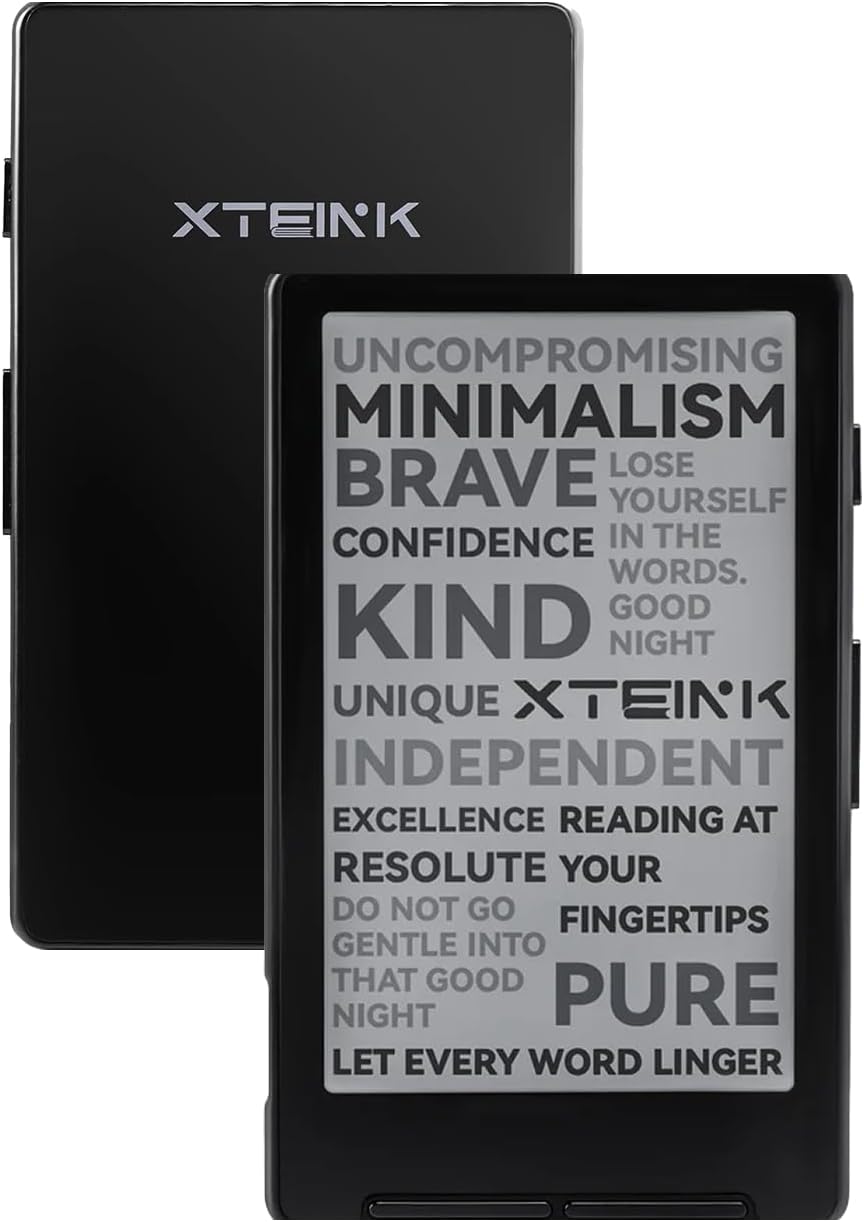
If you’re looking for a mini pocket-sized ereader for reading on the go this summer, the Xteink X4 is now available to purchase on Amazon for $69 with free shipping. It’s available in “space black” and “frost white”.
The Xteink X4 is a basic ereader with a 4.3″ E Ink screen with 220ppi. It doesn’t have a frontlight and it doesn’t have a touchscreen—yeah, it’s super basic. But it’s really small and portable and it only weighs 77 grams (or 74, depending on which website you go off of).
It has 16GB of storage space along with a microSD card slot so there’s plenty of space to hold several thousand ebooks. There’s a USB-C port, and it has WiFi and Bluetooth. The back is magnetic so you can stick it on the back of your phone, and of course there are physical buttons since it lacks a touchscreen. The battery is quite small at 650 mAh, but they claim that a single charge can last up to 14 days when reading 1-3 hours per day.
The software only supports EPUB and TXT formats (plus JPG and BMP for images), and nothing with DRM, so you’re going to have to use Calibre to manage your ebooks.
I’ve been holding off on covering the Xteink X4 because I don’t like recommending products that are only sold from shady websites in China and have to be imported, but now Xteink has launched an Amazon store, and Amazon is handling the shipping so you don’t have to wait for it to ship from China and hope it arrives in one piece eventually.
One thing I will say is beware of online reviews when researching this thing. There’s an unusual amount of hype for something with such basic, bare bones software that looks like it renders ebooks quite poorly. In fact, the built-in software is so bad that most people recommend installing CrossPoint Reader, an open-source alternative firmware for the Xteink X4.
For $69, I decided to buy an Xteink X4 to review so stay tuned for more details if you want to learn more. I’ll post some first impressions of the base software next week before installing CrossPoint.
If you’re clear that this is a basic e-reader (just for reading and little else), it’s an interesting option. Its main selling point is portability: it’s small and lightweight. And the price, if you can snap it up on a good deal. That’s something the e-readers we’re used to don’t offer. I’ve been using the Woxter Scriba 190 s (Y-Ben P47) for a while now; it has a very dated design compared to the Xteink, but it does the job just as well and cost me €30, so the Xteink doesn’t offer me anything special (apart from its attractive, modern, minimalist design). But if I had to buy an e-reader with those basic features, I’d probably go for the Xteink now. Although personally I almost always use a phone-sized Android e-reader when I’m out and about (much more expensive and bulky, but with full functionality), for certain situations I still use this type of smaller e-reader.
(By the way, there’s a version of the Y-Ben P47 with a lighted screen, which Amazon sells in my country under a different name… https://amzn.eu/d/0iE4C2TD. I’m not particularly interested in it, but it does add a bonus to these small e-readers).
Xteink X3; newer model and even smaller already out. Important to know that X4 is almost a year old, release 2025.
It’s only been available for like 6 months and you’re already writing it off as being too old?
I have the X4. Prepare to be amazed! It does one thing, and it does it extremely well.
Be sure to flash CrossPoint, as it is far superior to the official firmware. By light years.
I was an early buyer and witnessed its evolution. The custom fonts on the official firmware are unsatisfying. With CrossPoint, you no longer have to optimize or convert to XTC your EPUBs, especially for non-English and non-Chinese languages.
There are great resources at https://www.readme.club/.
Use the flash tools on this page: https://xteink.dve.al/. It’s very easy!
The CrossPoint community has truly unlocked the device’s potential.
I’ve had this little thing for a couple of months, and I still like it. The little reader is solidly built, and yes, you are right, the software is basic (but keep improving, in fact, it is much nicer now than when I first got it). The software is quite acceptable in China, because, for its size, you will mainly use it to read novels, and most likely the “network” novels. And those types of novels in China usually come in a txt file (for a reason that you should know.).
There’s quite a few small cheap ereaders from China, I saw one with a backlight. The thing that made the X4 exceptional was it got popular enough to get custom software that improves the usability.
Wait, does this natively attach to the back of an iPhone with magsafe? It’s unclear on the Amazon page if the included magnet stickers are for this purpose, or just for non-magsafe phones
I don’t know. It comes with a couple of magnetic rings in the box, but I don’t see the appeal of putting it on the back of a phone. For me the small size is better utilized solo. What’s the benefit of making it much bigger and heavier by coupling it with a phone? It really serves no purpose since they don’t interact with each other (it would be different if you could mirror the phone’s screen on the E Ink screen, but it can’t do that).