
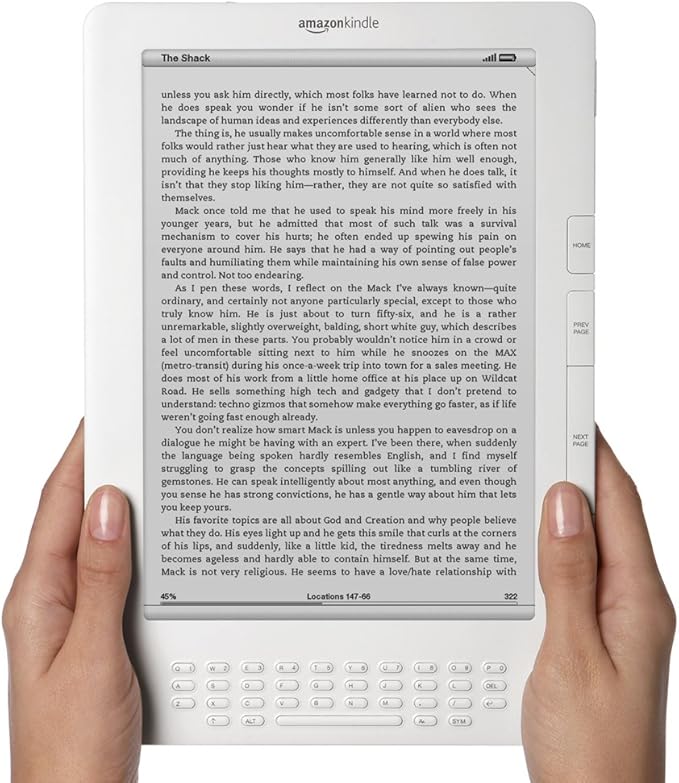
Now that Amazon has officially ended support for the first 5 generations of Kindles, it creates a bit of an issue on the used market since those models can no longer be registered with an Amazon account.
I’m still seeing a bunch of these older Kindles for sale on sites like eBay, and most don’t say anything about Amazon not supporting them anymore, and many are listed as not accepting returns.
If you’re looking to buy an older used Kindle for cheap, these are the models that should be avoided since they’re no longer supported by Amazon and can not be registered anymore.
List of Kindles That Can’t Be Registered
- Kindle 1st Generation
- Kindle 2nd Generation
- Kindle DX
- Kindle DX Graphite
- Kindle Keyboard (3rd Generation)
- Kindle 4
- Kindle Touch
- Kindle 5
- Kindle Paperwhite 1st Generation
Most of those are easy to identify by the simple fact they don’t have a touchscreen, and the Kindle Touch is the only 6″ touchscreen Kindle that came in a gray color instead of black or white. The Paperwhite 1 is harder to identify since it looks exactly the same as the Paperwhite 2 and 3, but you can lookup the serial number to know for sure.
Blacklisted Kindles Can’t Be Registered Either
A little known fact, Amazon has this thing where you can report your Kindle as lost or stolen, and then it can no longer be registered (unless it’s marked as found).
Any Kindle model can get blacklisted, and that’s always been a problem on the used market because you won’t know that until you try to register it. People sell lost or stolen Kindles and then buyers get stuck with a Kindle that can’t be registered, so that’s always something to be aware of when buying used. Unless you can verify a Kindle can be registered before buying, you’re better off purchasing a used or refurbished Kindle directly from Amazon or Woot or somewhere that accepts returns.
Unregistered Kindles are Still Usable, Kind of
Kindles can be used in an unregistered state to some extent, but a lot of the features won’t work and since you can’t register it with Amazon it’s very difficult to get Kindle ebooks onto an unregistered Kindle, unless you’re willing to jump through a bunch of constantly moving hoops to remove the DRM from your purchased Kindle ebooks.
You can still sideload ebooks onto unregistered Kindles if the ebooks don’t have DRM and you convert them to a Kindle format. But Send-to-Kindle won’t work and Wikipedia lookup and translations don’t work, and you can’t borrow ebooks from public libraries or Kindle Unlimited. And you have to put up with a nag screen asking you to sign in to Amazon account every single time you go to the library screen.
That “nag” message on the home screen isn’t irritating because it doesn’t require any interaction. but what is somewhat annoying is the following dialog box in the library screen which alerts you that the cloud isn’t available and forces you to click the cancel button.
It’s all in how you look at it, though. If you think of that cancel button as your opportunity to cancel Billionaire Bezos’ attempt to force you to use your Kindle as he commands, then it’s even kinda enjoyable to push.
I’d wish bad things for MAGA Jeff but if you’ve seen what plastic surgery has done to his new wife … and how good his ex-wife still looks without it — I’m thinking that those bad things have already happened. Each morning has to be a shock for that man.
JC, I’m going to have to start marking your comments as spam if you can’t keep things on topic. Please take it somewhere else if you feel the need to vent.