
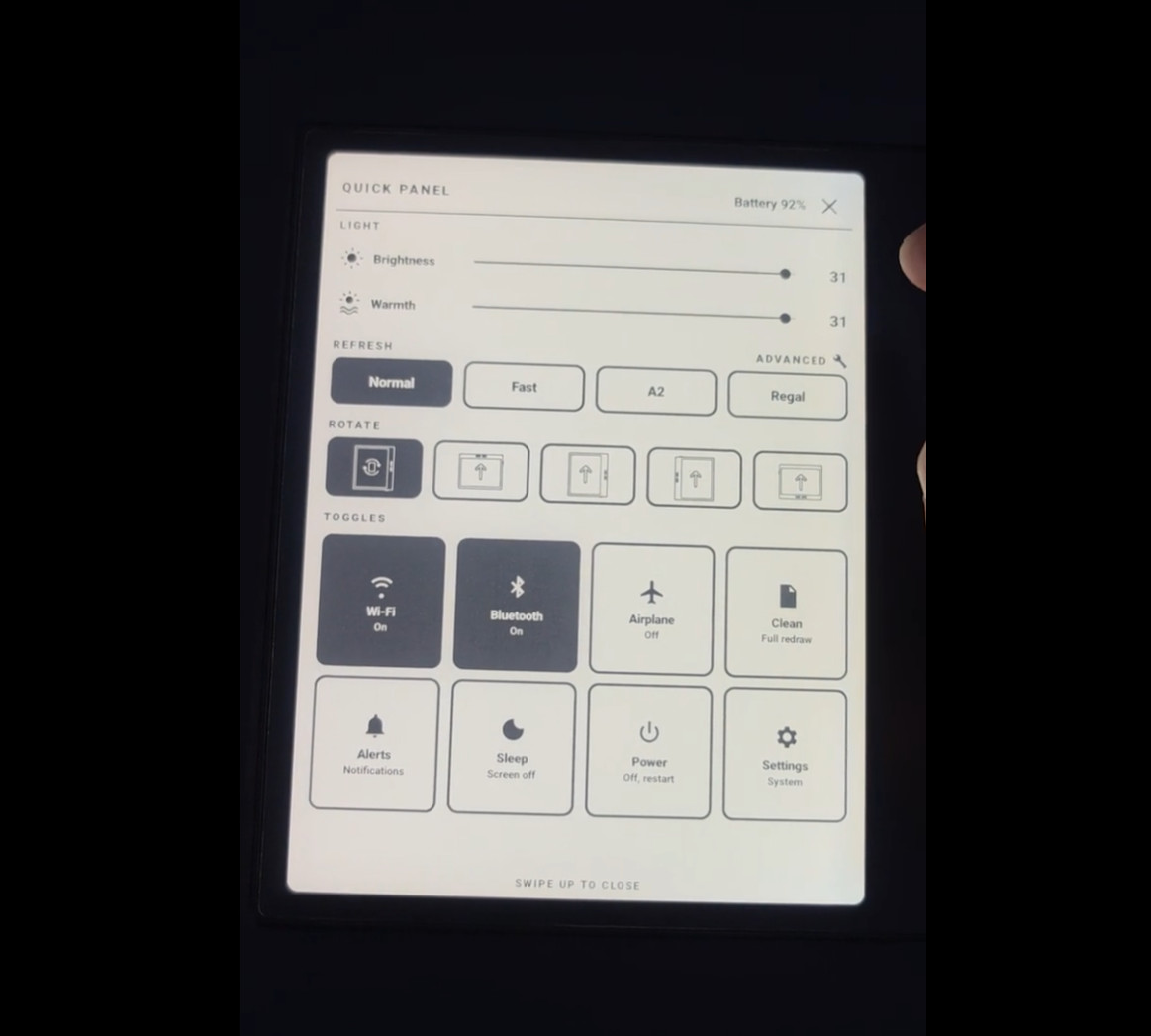
It looks like it might be possible to run newer versions of Android on Boox devices in the near future. Someone got fed up with the lackluster stock software on the Boox Go 7 and decided to install Android 16 on it.
Unlike most modern software developers, this person actually seems to know how things work on a deeper level, as it reportedly only took one day to get Android 16 up and running smoothly on the Boox Go 7.
For a long time people have suspected that Onyx’s software developers were hacks, and this kind of proves it. But to be fair, that seems to be the case across all major brands of ereaders these days (and across other industries too). Software development has majorly gone downhill in recent years. AI is not helping matters at all; it’s just making the rich people at the top richer by not having to pay humans to do the work.
It’s funny because Onyx acts like it’s impossible to run current versions of Android on Boox devices. They don’t release Android updates for existing models, and they’re super slow to update the Android version on newer models. They just released the Boox Go 6 Gen II a couple of months ago and it’s running Android 11.
Onyx’s current lineup of devices are all over the map when it comes to Android versions. Some run Android 11, some run Android 15, the Boox Go 7 runs Android 13. Onyx can’t even provide a consistent, unified software version across their current lineup of models.
Now it looks like Onyx’s device could easily run Android 16 if they wanted them to, but it’s clearly a business decision to keep their Android software outdated.
It sounds like this is going to get posted on GitHub soon so other people can install Android 16 on their Go 7 as well. The software will have to get tweaked for each individual Boox model so some other smart people will have to work that out, but it looks like installing alternate Android software on Boox devices could start becoming a thing soon.
It’s amazing how incompetent companies are.
I love how society is sticking it to the man in small ways.
Honestly there’s no benefit to having this at all. Android 16 is already outdated, I’ve had Android 17 on my phone for months now.
With each Android version, the system requirements get higher and more demanding on the hardware. On an ereader you’re supposed to read text, and maybe images with text (PDF, comics). That doesn’t need a quantum computer’s hardware, and by the direction we’re heading in, it looks like the newer Androids may require that… Despite the fact that Google recently announced that devs should optimise apps more, because hardware has become expensive, so they should use it sparingly.
Anyway, can any of you give a detailed list of what the issue is with older Android on an ereader? Because in my perception an ereader should be used as an ereader, not for anything else, for other tasks there’s your phone to do that. And for a Boox device there’s absolutely no benefit to having the (almost) latest Android at all.
I have Boox Poke 2. Working perfectly fine, even though released in 2020 with Android 9. But Amazon Kindle app and Kobo app both require Android 10 or newer. So no access to them anymore.
Thankfully my local library require Android 5 and newer, so I am still in the safe there.
I suppose it depends on the apps you use. On my Android e-readers, I usually use the same reading apps (KOReader and AlReader X), which don’t require a modern version, and a browser adapted for e-ink that works with older versions without any major issues. The Tolino Vision 6 runs Android 8.1 and works a treat for my needs. I have several Onyx Boox, Bigme and Viwoods e-readers, running versions ranging from Android 9 to the very latest, and honestly I can’t tell any difference in how they actually perform with the apps I use. Where you really notice the difference isn’t so much in the Android version as in the RAM, if you want to run more resource-intensive apps. But I usually only use apps optimised for e-ink, and to be honest, they don’t require much at all.