
• Skip to main content
  • Skip to secondary menu
  • Skip to primary sidebar
  • Blog
  • Kindle
  • Onyx Boox
  • Kobo
  • Comparisons
  • Contact
  • About
  • Disclosure
The eBook Reader

The eBook Reader

The eBook Reader Blog

  • News
  • eBook Readers
  • Sales & Deals
  • Reviews
  • How To Guides
  • eBooks
  • Free eBooks

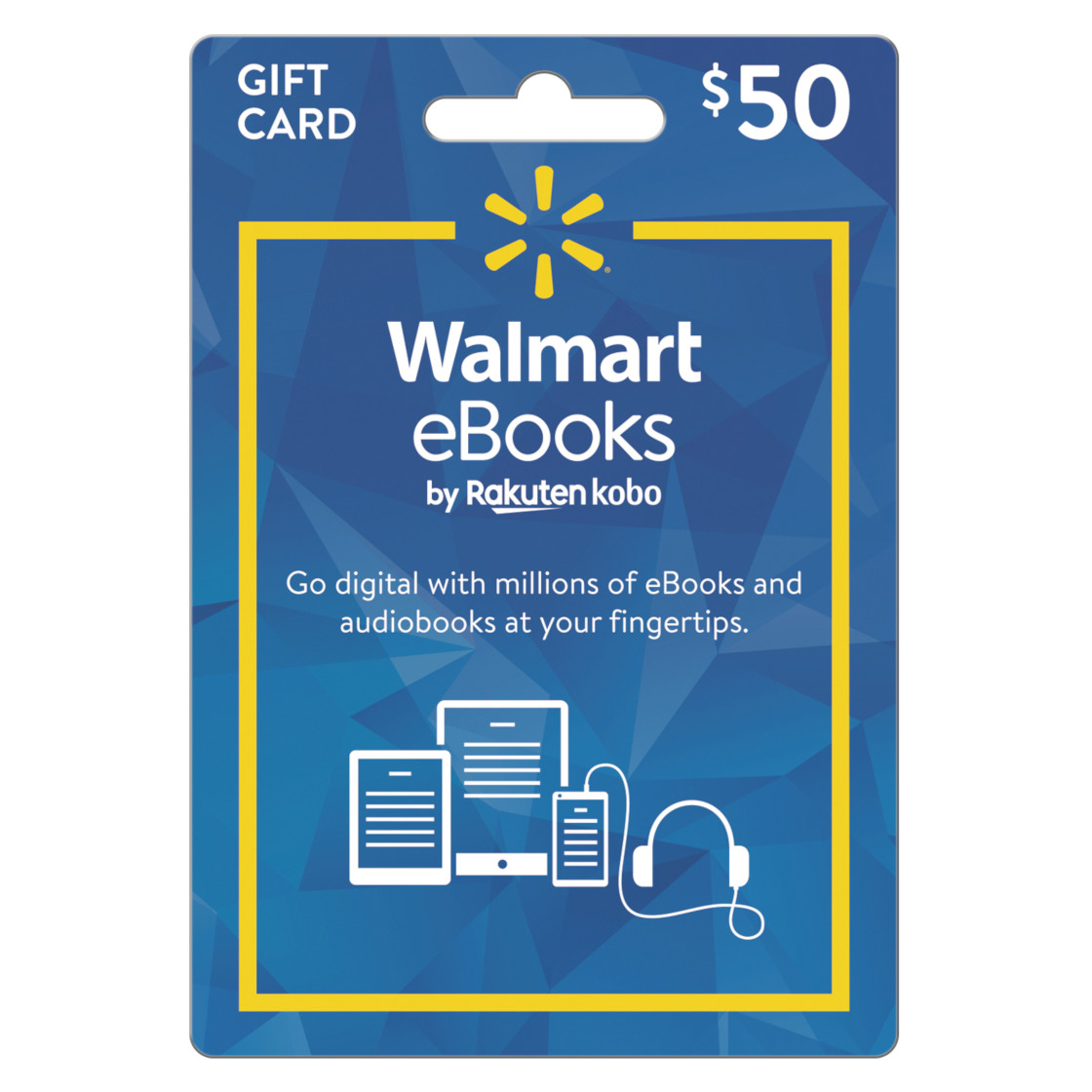
Deal: Walmart Selling $50 Kobo eBook Gift Cards for $40

December 5, 2020 by Nathan Groezinger

Walmart ebook gift card sale

Walmart currently has ebook gift cards of sale for Walmart ebooks, which is just the US version of the Kobo ebook store with a Walmart logo.

You can get a $50 gift card for $40.

They did this same deal last year except Walmart was erroneously charging sales tax (they aren’t supposed to tax gift cards because you pay taxes when buying stuff with the card) so it kind of killed the deal.

Luckily this time it looks like they aren’t taxing the gift card so it’s actually a good deal. It’s like being able to get any ebook that you want for 20% off since you can get $50 worth of ebooks for $40.

Considering the fact that retailers cannot discount most ebooks this is one of the only ways to get ebooks that aren’t on sale for below list price, especially those from big publishers.

All of Walmart’s other ebook and audiobook gift cards for Kobo are priced normally; the $50 card is the only one being discounted.

As noted in the description, Walmart eBook eGift Cards can be redeemed at kobo.com/redeem.

Walmart eBook Gift Card

Filed Under: Kobo, Sales and Discounts

Disclosure: This website earns commissions using affiliate links through Skimlinks and Amazon's Associates program.

Reader Interactions

Comments

  1. Mikou says

    December 7, 2020 at 3:48 pm

    I tried to buy one of these and it was cancelled because it was “flagged as unusual.” Even though I used my regular Walmart account with the same credit card I always use. How annoying. I hope I can get the same deal in person since I have to go to the store later this week.

  2. cybergrimes says

    December 15, 2020 at 11:44 am

    Just grabbed one to go with the Kobo I’m giving my wife for Christmas, thanks for the tip

Primary Sidebar

Kindle Disk Error

How to Fix Kindle Disk Error Code E3 and Code E2

Kindle Scribe Colorsoft Update

Kindle Software Update 5.19.2 Released – New AI Features Added?

Unregistered Kindle

Unregistered Kindles Show Book Covers Instead of Ads

Kindle Paperwhite

Don’t Use Emojis for Your Kindle’s Name, It Breaks Amazon’s Website

Kindle Scribe Send to Alexa

New Kindle Scribes Getting Send to Alexa Feature and More AI Tools

Navigation Menu

  • Homepage
  • The eBook Reader Blog
  • Comparison Tables
  • Kindle Comparisons
  • Best eBook Readers
  • Reviews
  • How To Guides

Follow

Site Search

Copyright © 2026 · Magazine Pro on Genesis Framework · WordPress