
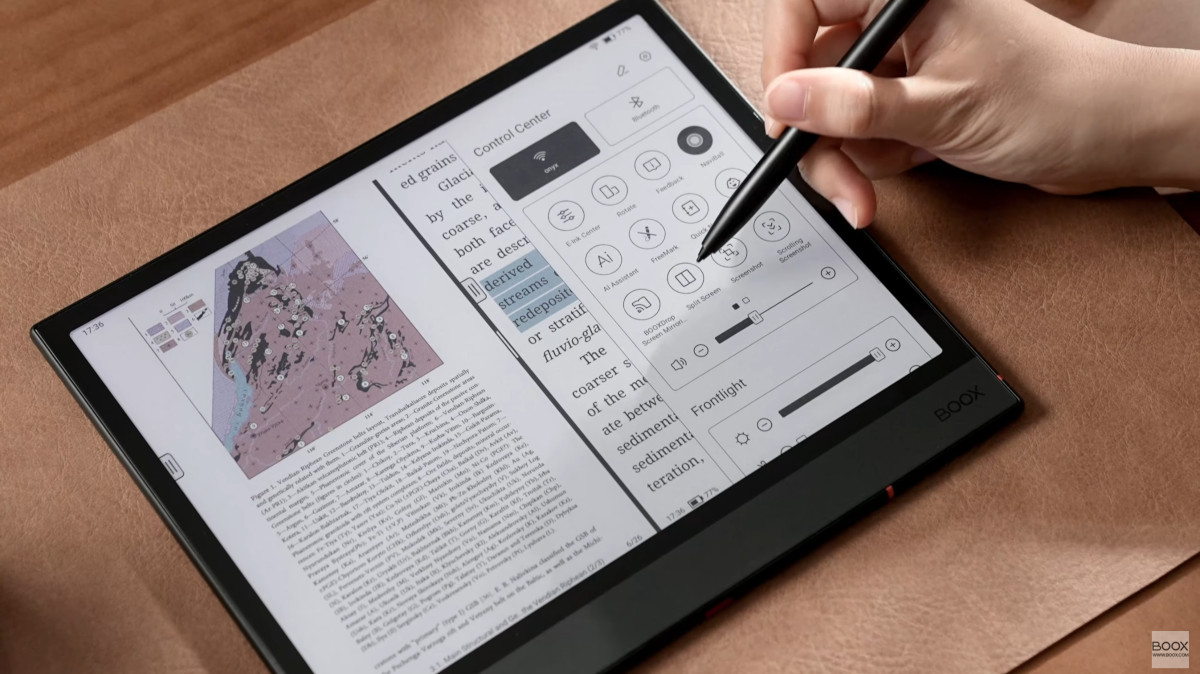
Onyx recently uploaded a YouTube video with a detailed walkthrough of their NeoReader app, the default reading app that comes preloaded on all Boox devices.
The video goes into detail about all the main features and different settings menus, and how to use and configure the various toolbars and reading settings.
One thing about Onyx’s devices is there are so many different settings and user configurable options that it can be hard to figure out what all the various options do at first. Some of the settings and icons are confusing and unintuitive so it helps to watch videos to see how some of the lesser-known settings work. There are so many features with NeoReader that I always learn something new from these video tutorials.
The NeoReader app supports a wide range of formats, including PDF, CAJ, DJVU, CBR, CBZ, EPUB, EPUB3, AZW3, MOBI, TXT, DOC, DOCX, FB2, CHM, RTF, HTML, ZIP, PRC, PPT, PPTX, and Onyx’s eNote models have the added ability to write directly on ebooks and PDFs when using NeoReader.
The only real downside to NeoReader is the fact that it doesn’t support ebooks with DRM so you can’t use it to read most purchased ebooks unless you use a computer to remove the DRM from them first. But it’s great for reading DRM-free files and it’s better optimized than most Android ebook apps.
A few months back I uploaded a video showing NeoReader’s PDF features on the Boox Go 10.3. Check that video out if you want a more in-depth look at the PDF-specific features. I think the NeoReader app is the best option on the current market when it comes to reading PDFs on E Ink devices. It offers a lot more features than what other apps and brands offer.
Leave a Reply