
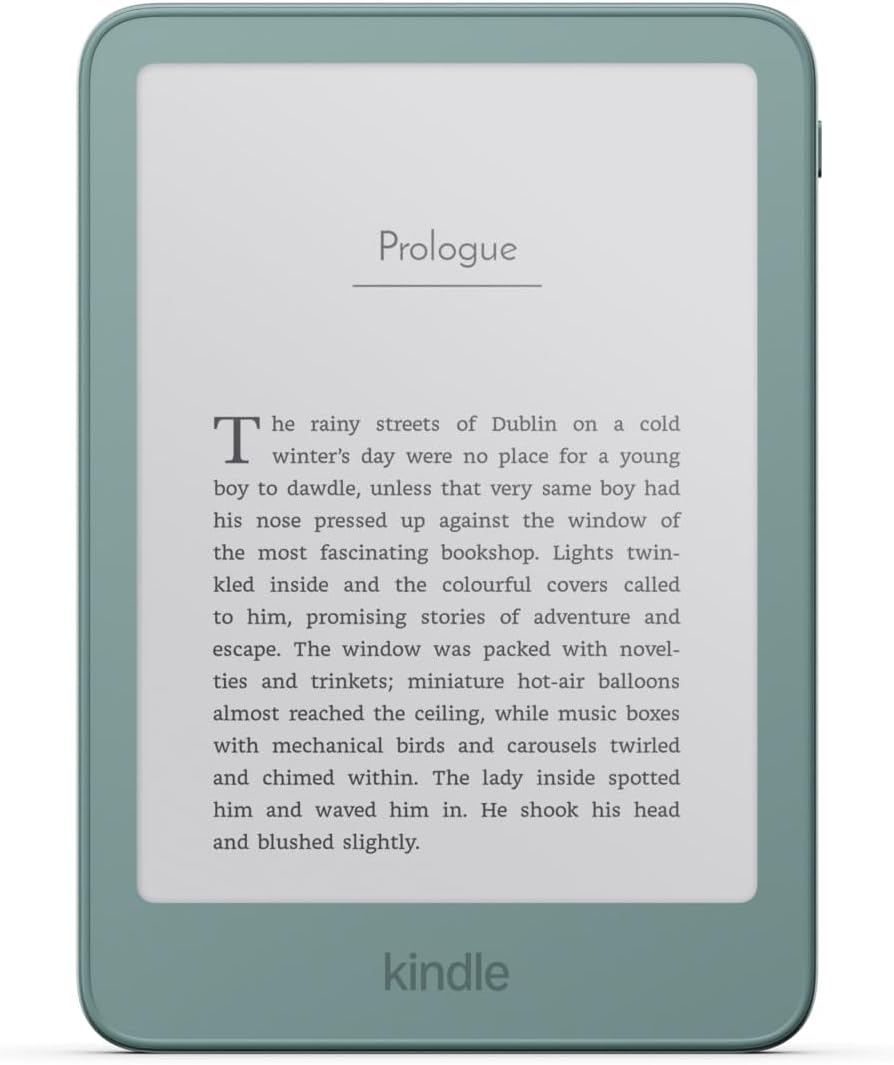
It took a couple months, but Amazon has finally updated the Kindle Software Updates page on their website to add the new Kindles for 2026, and they also added download links for the latest 5.20.2.0.1 software update.
The new software is available for all Kindles released since 2024, plus the Kindle Scribe from 2022.
The 5.20.2.0.1 update was released a couple of weeks ago so your Kindle might’ve already installed it if it was connected to the internet. My new Paperwhite and Colorsoft both got the update awhile ago, and I can’t say I’ve noticed any differences from the last update, except they added a new font type: Atkinson Hyperlegible—it looks like a less bold version of Amazon Ember.
Like usual, the release notes list changes that happened with the previous update, and they are dated October 2026. Here are the release notes for the Kindle Scribes; the notes are the same for regular Kindles minus the notebooks part:
Version 5.20.2.0.1 – October 2026
Here’s what’s new:
Ask This Book: In book search now includes Ask This Book, a conversational AI assistant that enables you to ask questions about your English-language Kindle book while you are reading it, without revealing spoilers.
Web browser: Webpages now render more accurately. Feature updates include a new home screen with your pinned favorites, a unified search bar for search and web addresses, and an option to select your default search engine.
“Auto-snap shapes” toggle in notebooks: Control whether holding at the end of a stroke snaps your hand-drawn shapes into clean geometric forms.
Performance improvements, bug fixes, and other general enhancements.
Some people’s Kindles have gotten a new look in the library view, with tags for collections, but that started happening before this latest update, and none of my Kindles are showing that yet so Amazon still must be testing it. Everyone seems to hate the new look so far, but that’s the standard response every time Amazon changes anything.
One thing that’s odd about the updated Kindle Software Updates page, Amazon has links for each sub-model now. There are separate links for the 2026 Kindle and the 2026 Aluminum Kindle, and there are separate links for the Signature Edition models now as well. It never used to be like that with the previous gen Kindles so make sure to download the right update if you’re going to manually install it.
Leave a Reply