
Microsoft has a note up on their support website about how they’re planning on removing the option to send documents directly from Microsoft Word to Kindles after February 2026.
Most people probably didn’t even know this feature existed, but I remember Amazon making a big deal out of it when the first gen Kindle Scribe first launched. It was one of those features they advertised as “coming soon”, and it started rolling out around April of 2023. Now, less than three years later, Microsoft is phasing out this overhyped and probably seldom-used feature.
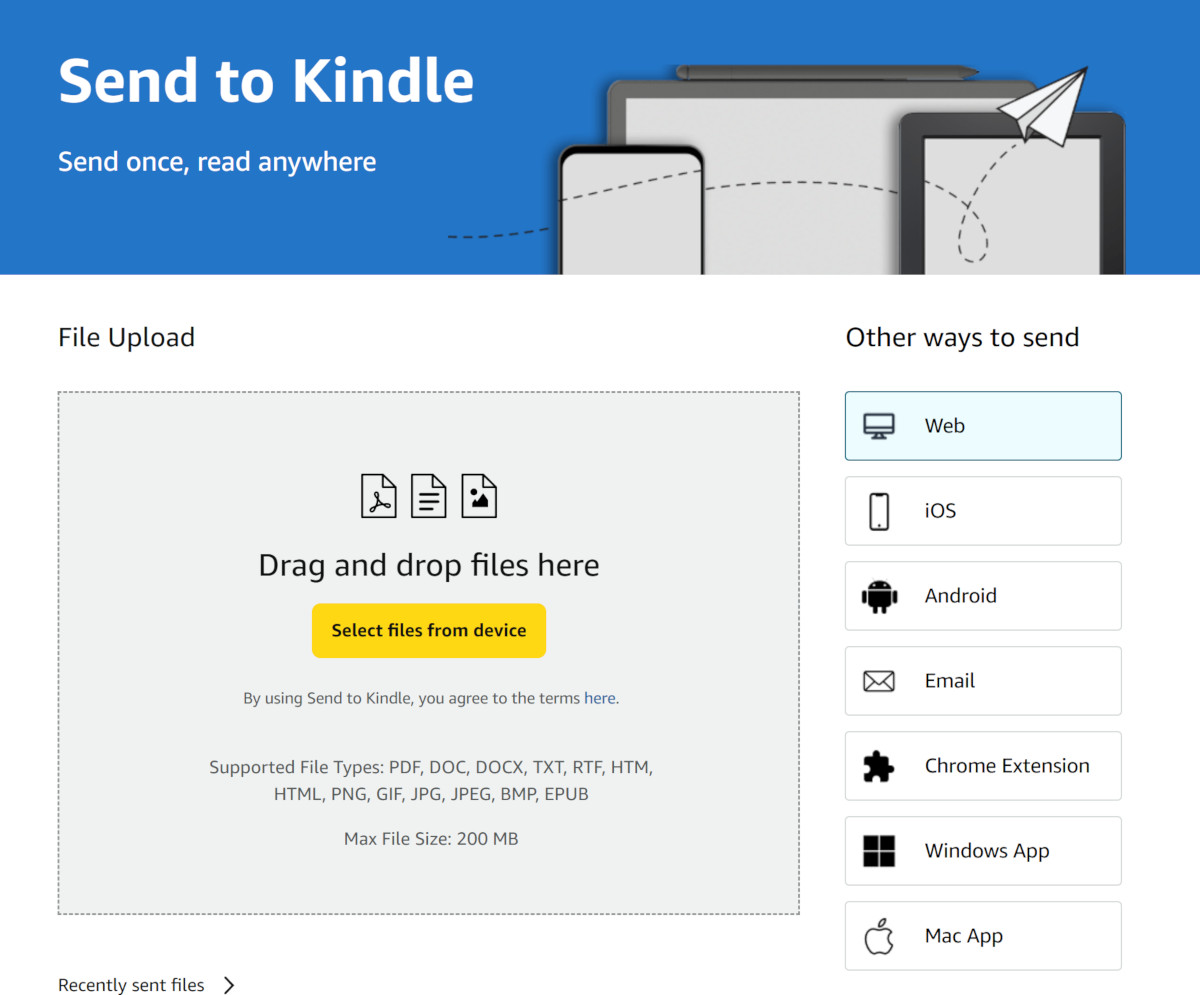
Now Micorsoft Word users will have to go back to sending word documents to Kindles the old fashioned way by using Amazon’s website, a Send to Kindle app, or email.
Kindles will continue to support Microsoft Word documents (not natively, but through conversion). You just won’t be able to send Word documents to your Kindle account directly from Word anymore; they’re removing the option from the export menu.
Here’s a quote from Microsoft’s website:
Important: The option to Send Documents to Kindle from Microsoft Word will be retired after February 2026. After its retirement, users will no longer be able to access the feature via the Export menu. Instead, we recommend sending doc and docx files directly from this Send to Kindle site.
Here’s more from the FAQ:
Q: What is changing for Kindle users?
A: Beginning February 9th, 2026, the Send to Kindle feature in Microsoft Word is going away across all platforms (Web, Win32, Mac). After this date, the feature will no longer receive support from Microsoft Word.
It’s interesting how they’re ending support for this feature so soon when exporting Word documents for annotation was supposed to be a big selling point when the Kindle Scribe first came out. I always thought it was weird how Amazon was making it seem like some great new feature when you could always accomplish the same thing with a few extra clicks by using Send to Kindle.
via: MobileRead
This is something that business customers might have used if their IT dept was okay with kindle scribe’s privacy policy 🤷
I’ll admit I never knew this ‘feature’ existed, but then again I hate Microsoft Word with a purple passion, so…
This is a feature that I used almost every day. It really is very convenient.