
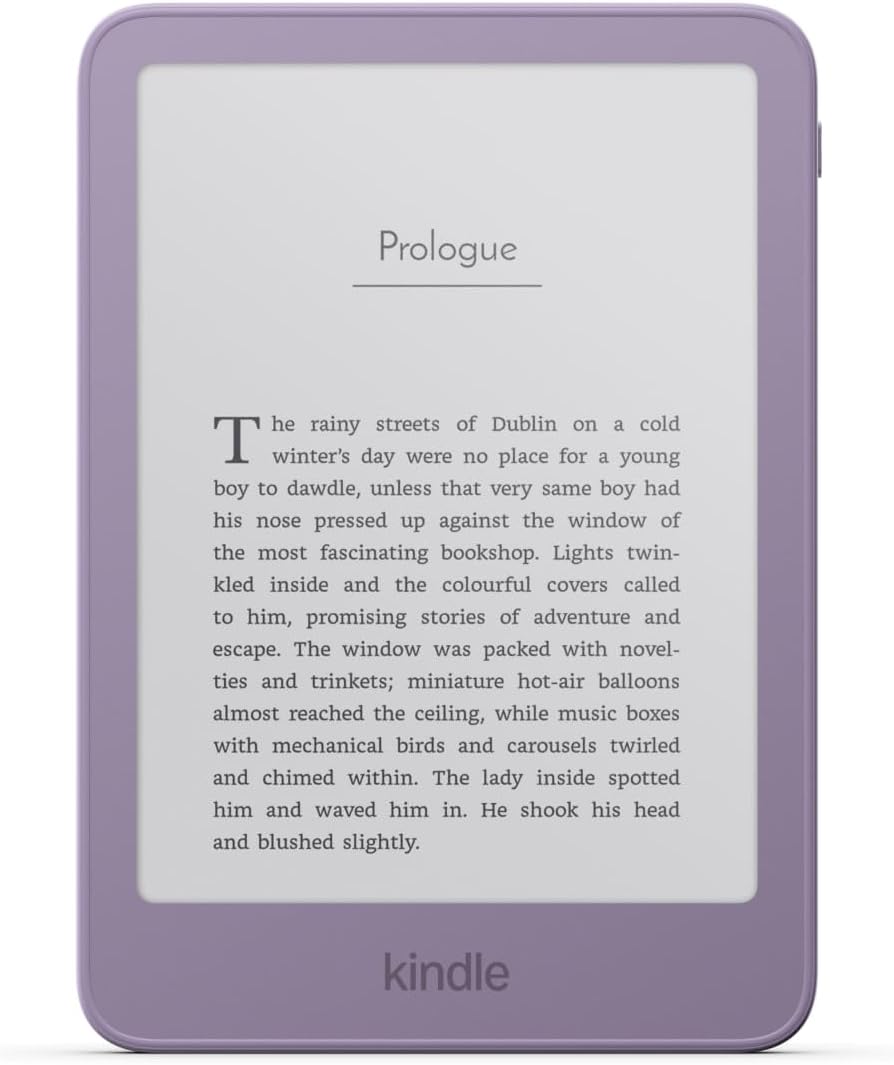
Amazon added a notice to the product pages for the new lineup of 2026 Kindles that states, “Wi-Fi and an Amazon account are required to set up your Kindle and download books”.
I thought maybe that was their way of saying that new Kindles cannot be used in an unregistered state like previous gen Kindles, but it turns out that’s not that case at all.
It’s still possible to use the new 2026 Kindles without registering them to an Amazon account, but they make you think you have to register them during the initial setup process. I forgot how to get passed the registration screen since the last time I did this. At first I thought it wasn’t going to work, but I figured it out, so here’s how get passed the initial setup process.
When setting up a new Kindle, there’s no obvious way to bypass the registration screen. The trick is to hold down the power button until the pop-up box appears where you can select “Restart“, and then your Kindle will boot to the homescreen instead of the registration screen.
However, you have to trigger the restart at the right time. You have to get to the screen that asks you to sign-in on the device, not the initial setup screen.
The first screen that appears asks if you want to sign-in on the device or set it up using your phone. Select the sign-in on device option, then enter your WiFi password. My Kindle downloaded a software update at this point, and then it restarted to the sign-in screen where it showed my name. That’s where you want to hold down the power button and restart.
I’m pretty sure I didn’t have to go through the process of setting up WiFi when I bypassed registration on my 12th gen Kindle Paperwhite earlier this year; I think it worked from the first screen where they ask if you want to sign-in on the device or use your phone, so something changed along the way.
Nevertheless, it’s still possible to use Kindles without registering them, despite Amazon making it seem like you have to sign-in with an Amazon account in order to use them.
You can still sideload ebooks and dictionaries and custom fonts, and use Kindles in an unregistered state if you want to. The main downside to doing so is there’s a nag screen that pops-up every time you go to the library that asks you to sign-in (I think that can be disabled if your Kindle is jailbroken), and you can’t use online features like Wikipedia lookup. But on the plus side, ad-supported models don’t show ads on the lockscreen—they show book covers instead. Another benefit with using unregistered Kindles is they no longer get software updates that break things, and you don’t have to worry about your sideloaded ebooks getting deleted if you use airplane mode for too long.
Leave a Reply