
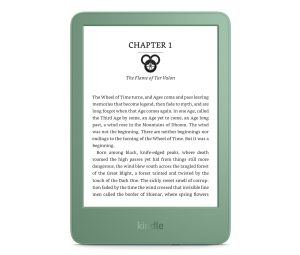
If you missed the deadline to download your purchased Kindle ebooks from Amazon’s website before they took the download and transfer feature away, there’s no need to worry because there are still three other ways to get your ebooks away from Amazon’s clutches. There’s no guarantee these workarounds will continue to work, however, so it’s […]
How To
How To Avoid Seeing New Notes Icon on Kindle Scribe
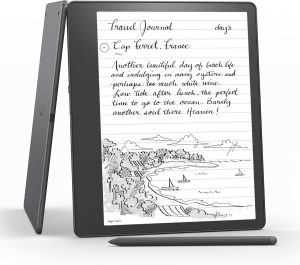
Two weeks ago Amazon released a software update for the Kindle Scribe that added a new side panel writing feature within ebooks, and it’s a great feature if you like adding handwritten notes inside of your books, but a lot of people are annoyed by the fact there’s now a new icon on the screen […]
Kindle Bugs List: Common Software Issues and How to Fix Them
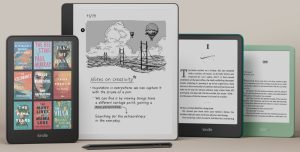
Earlier this year a number of software problems starting cropping up on Kindles after Amazon released certain software updates. Most of these issues seem to be fixed now to some extent, but others have been ongoing for several years. For the most part Kindles don’t have a lot of software problems, in part because the […]
Boox Video Tutorial: A Complete Guide to Onyx’s NeoReader App
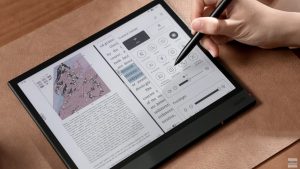
Onyx recently uploaded a YouTube video with a detailed walkthrough of their NeoReader app, the default reading app that comes preloaded on all Boox devices. The video goes into detail about all the main features and different settings menus, and how to use and configure the various toolbars and reading settings. One thing about Onyx’s […]
Two Ways to Avoid Seeing Ads on Ad-Supported Kindles
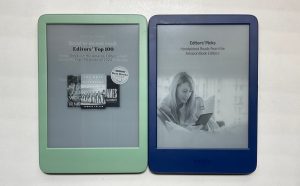
As I posted about earlier, I really like the screen on the new 12th gen Kindle Paperwhite, but I stupidly bought the ad-supported version, so now I have to either put up with the ads or fork over another $20 to Amazon to get rid of them. Having already paid the fee several times on […]
How to Borrow Library eBooks Directly on Kindles (Video)
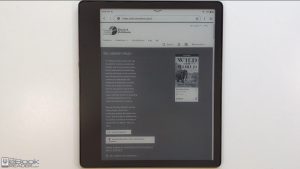
Last December I posted about how it’s now possible to borrow library ebooks on Kindles using the new updated web browser, but I still don’t think most people know that library ebooks can work that way on Kindles, and Amazon doesn’t advertise that fact anywhere. Previously you always had to use a seperate device to […]
How to Change Color Settings on Kobo’s Colour eReaders
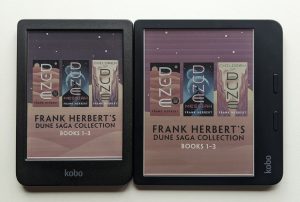
The Kobo Libra Colour and Clara Colour are Kobo’s first ereaders to come with color E Ink screens, and some people are noticing differences in color quality compared to other devices with color E Ink screens due to different color and saturation settings on the new Kobos. The color settings aren’t adjustable normally on Kobo’s […]
Video Tutorial of Notes App for Onyx’s Boox Devices
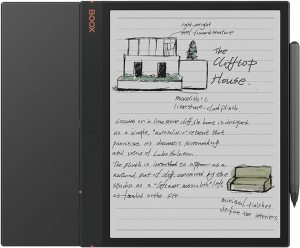
Onyx has uploaded a YouTube video that demonstrates the built-in Notes App that comes with their eNote devices like the Note Air, the Tab Ultra, and the Tab X. It’s actually a really well put together video that’s nearly 10 minutes long, and it shows a lot of the features that are available with the […]