
If you tried to use Amazon’s website today, or if you tried to use some of Amazon’s services, you probably encountered some problems.
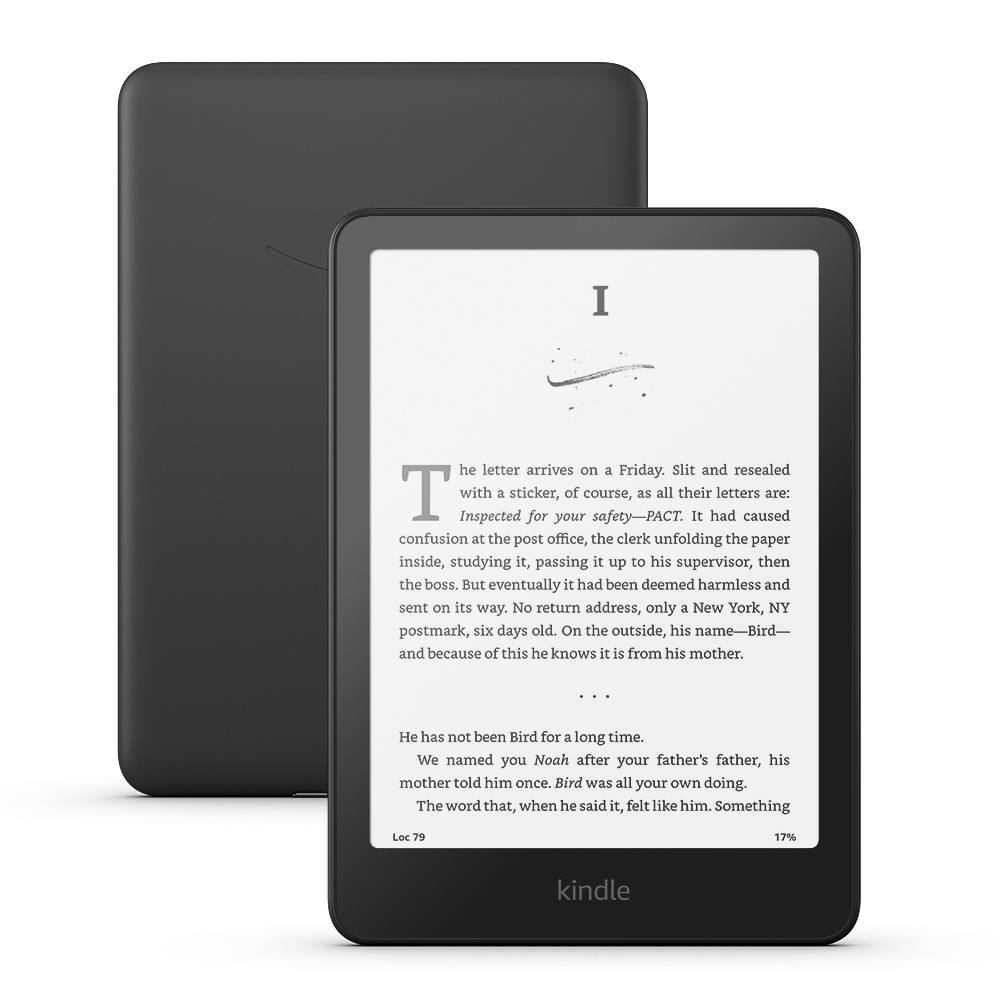
Amazon is experiencing a major outage today across all manner of services and platforms, and it highlights why it’s a good idea to keep all of your Kindle ebooks downloaded to your Kindle devices and Kindle apps.
Among other things, there are a number of reports online of people having problems buying Kindle ebooks from Amazon, and worse, some are unable to download purchased or borrowed ebooks during the outage.
The issue will likely get fixed soon, but it goes to show that you can never be 100% certain that you will have access to your library of books at all times. Outages happen, sometimes accounts get erroneously put on hold, and there are always outside factors at play.
We’ve all been made to believe that things will keep working how they are supposed to, and it’s easy to take that for granted, but you never know when you might lose access to your Amazon account for a limited amount of time or an extended amount of time.
That’s why it’s a good idea to keep all of your Kindle ebooks downloaded to your devices and/or apps when possible. If you have an older Kindle that’s even better because those books can still get backed up outside of Amazon’s DRM system.
I’ve never been a fan of having all my ebooks downloaded to a single Kindle device at one time because it’s hard to navigate a large library of books when you can only see 5 or 6 titles on the screen at one time, but it is good practice to have all your Kindle books downloaded somewhere in case you ever need access to them. It’s pretty easy to keep everything backed up and streamlined using Calibre on a computer.
This is the way!
Amazon was once a leader in e-reading, thanks to their superior hardware & firmware which was both reliable and accommodating to 3rd party programming: Remember when Kindle supported apps? When you didn’t need to jailbreak to add KoReader? When Calibre was able to tag books on the Kindle into collections … like it still can with every other e-reader?
Now Amazon has become a slinger of defective hardware, buggy firmware encased in a walled garden which outlaws 3rd parties & holds your purchased books hostage. Their customer service is even worse as they’ve driven hard to the AI hole.
AND the result is that just about every other competitor (not named Barnes & Noble) offers better e-reading solutions. IF this outage meant something to you THEN you clearly don’t know this and maybe you should find out because Amazon? Just like Donald Trump, it ain’t improving with age; Amazon invented enshittification and it only gets worse from here.
Your response is THE TRUTH!!!! This is what happens when you replace skilled human labor with undeveloped A.I. You save costs by sacrificing QUALITY.
I have an original Oasis that has every book I’ve bought downloaded to it so I have them when Amazon goes out of business.
Unless you’ve removed the DRM, you can’t read them on any other device. Kindle DRM is device-based – books keyed for one device won’t work on another, even another Kindle. And if your Oasis gives up the ghost one day, you will have lost your books.
I also prefer to keep the majority of my books on my computer.
Although, regardless of e-reader brand, it’d be nice if there was a proper file explorer on ereaders where you could put your books into custom folders, and choose which folder’s content to show on the home screen. That way you wouldn’t get a huge chaotic stockpile of books piling up all over the place.
After so many years you’d think they could’ve come up with a solution for that.
File explorers are so last century, IMO. I certainly prefer collections based on metadata. I don’t know which ereader(s) you use, but on my Kobo readers collection management is fully automatic, based on my calibre tags. No manual work on the device at all. And on the home screen I have the books I’m currently reading. No huge chaotic pile anywhere.
I also have Kobo devices and Calibre, but still, I would like an UI with a folder structure based browser. That would be faster for the device instead of indexing a full metadata grid by an sqlite database. This of course, depends how many books you have on your device.
Amazon’s model is based on its simplicity: buy (or subscribe), download, read. Anything that disrupts this simple process (which its competitors in the world of e-readers try to imitate with varying degrees of success) is inconvenient for most of its users (and those of its competitors). Certainly, an occasional and exceptional failure in this system is still a cause for concern, but I still cannot imagine the average Amazon user (or their competitors) downloading books to their computer, removing the DRM and storing them. This is more typical of the minority who frequent e-reader forums, who are dedicated to backing up, editing and organising their books. But most users want convenience, even if it is occasionally disrupted. Cloud storage was invented for a reason, and discussing the drawbacks of accessing and using a personal computer and its programmes is not the issue at hand. I simply want to point out that the alternative of storing your books on a personal computer is not without its inconveniences, which for the average user of any brand probably outweigh the inconvenience of occasional server access failures.
From day one I have downloaded and DeDRM’d every book I have purchased from Amazon. They reside in a Calibre database where I can convert them to ePub format and read them on the device of my choosing. As Amazon continues to make this process more difficult buying from Amazon is now a last resort.
Same here!