
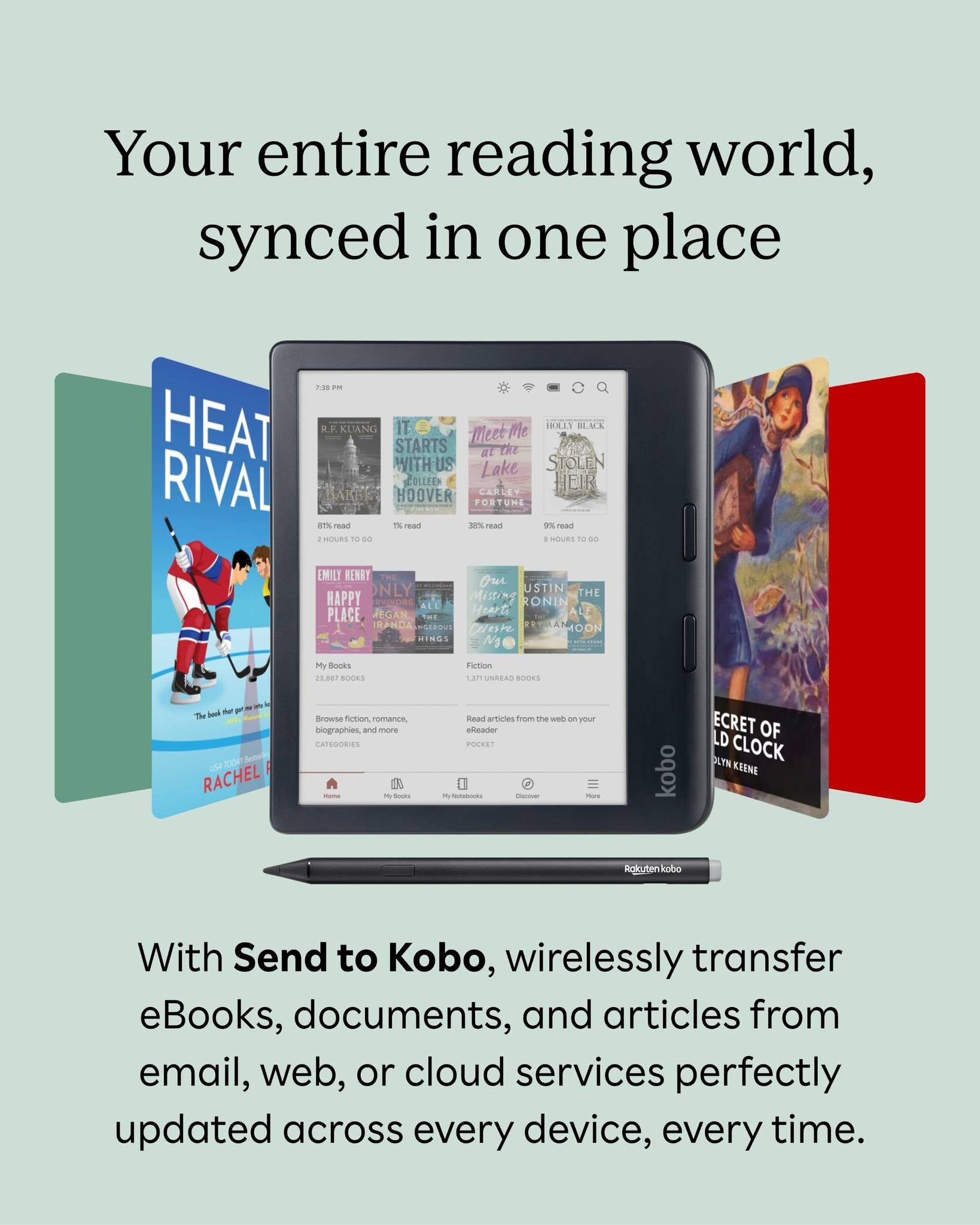
Kobo is bringing back the ability to borrow ebooks from multiple public libraries through OverDrive/Libby on (some) Kobo ereaders, and they’re also finally adding the option to upload non-Kobo ebooks and files to the Kobo Cloud for syncing and backing up across Kobo devices and apps.
Before you get too excited about all of this, there are some stipulations. First off, these new features require using Kobo’s new software beta 6.0+, which isn’t widely available yet, and it’s only available for the Kobo Libra Colour, the Clara Colour and the Clara BW, and the beta software appears to have a lot of bugs (that’s why it’s called beta).
Additionally, to use the new Send-to-Kobo upload feature you have to subscribe to Kobo Stack, which requires a monthly subscription fee, and it’s currently limited to accounts based in the following countries: Canada, Ireland, Great Britain, New Zealand, and Spain. The fee varies by location.
According to the help page, PDF, EPUB and LCP EPUB are the file types supported, and the maximum file size is 200 MB (the same as Send-to-Kindle). You can use Send-to-Kobo via email to send the files or drag and drop them into your library using Kobo’s website.
Here’s the new help page about adding multiple library cards to a Kobo account, but the feature doesn’t seem to be finalized yet. Some Kobo users are reporting they are able to add multiple library cards directly to their Kobo account. The option doesn’t appear on the US website yet, but apparently it works on the Canadian version of Kobo’s website.
The website says you can add up to five library cards to a single account. Here’s the directions on how it works:
- Sign in to your Kobo account on Kobo.com.
- Select My Account.
- Under Account Settings, choose Library Cards.
- Select Add Library Card.
- Search for and select your library.
- Enter your library card number and PIN/password.
- Complete the sign-in process.
- Sync your Kobo eReader or Kobo Books app to access content from the newly added library.
There are some other new features getting added with the beta 6.0+ software as well. Check Kobo’s software beta 6.0+ page for more details.
I was ready to kick kindle to the curb and buy a Kobo until the details of this article. Subscription requirement to read books I already own on a device I paid for? I really want it in the cloud (not side loaded) because some of my books are research/study things and I want to be able to access my notes and highlights from MacBook later when working on papers.