
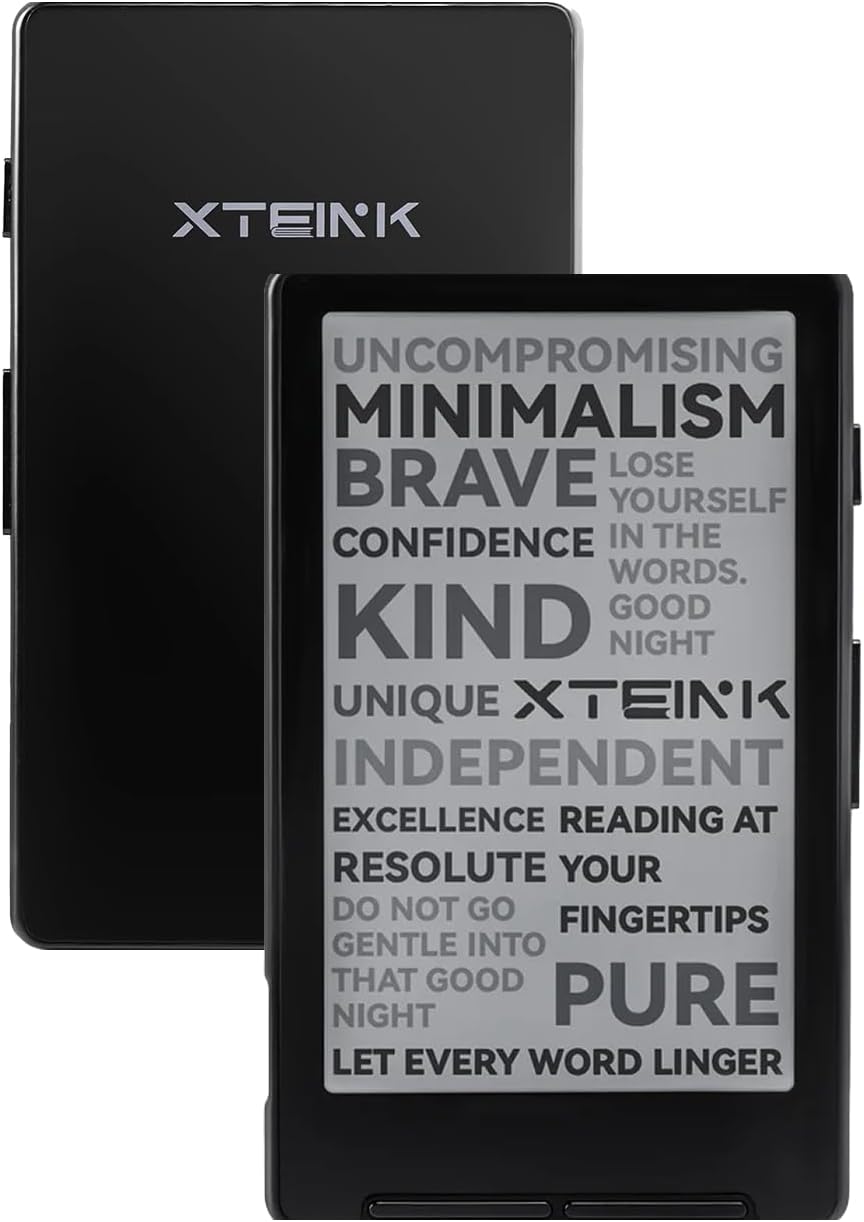
Last month I posted a review of the Xteink X4 with it running the stock software, which has a lot of problems when it comes to formatting ebooks properly, but luckily it’s possible to install open-source alternative software on the X4.
There are some different options when it comes to installing custom software, but CrossPoint is the most popular option, so I installed CrossPoint on my X4 and it’s definitely a big improvement over the stock software.
I was running CrossPoint 1.2.0 for a while, and then they released an update last week for CrossPoint 1.3.0 so I installed that, but there are some issues with font rendering so I went back to 1.2.0.
It’s really easy to install CrossPoint on the Xteink X4. You just plug it into your computer via USB and follow the directions on the CrossPoint website. I guess there are some extra steps if you have a locked X4 or X3, but the international versions—like ones sold on Amazon—are unlocked and it’s really easy to flash custom software.
The stock software has a couple of features that aren’t available on CrossPoint, like Dark Mode and bookmarks, so if you really want those you’re out of luck, but apparently they’re planning on adding bookmarks in the future, along with some other features like a dictionary.
The best thing about CrossPoint on the X4 is it actually formats ebooks properly, unlike the stock software. There are more layout settings and more font sizes too, and the 1.3.0 version adds support for custom fonts. However, the text is rendering unevenly on 1.3.0, with some letters appearing darker than others, so I opted to roll back to 1.2.0, which didn’t suffer from that issue.
That’s the cool thing about being able to run custom software on the Xteink X4 (and X3). You’re not stuck with the default software, and there are several custom options, and you can easily go back to earlier software versions. And it you have the know-how, you can create and modify custom software yourself.
CrossPoint also syncs with KOReader, and there are some other features not available with the stock software, including different UI themes. But CrossPoint doesn’t support ebooks with DRM, the same as the stock software, so your EPUB files have to be DRM-free for them to work, and it won’t work with public library ebooks. And there’s no built-in ebook store either so it’s best suited for those prefer to manage their ebooks with Calibre and sideload.
The Xteink X4 has pretty low-end hardware so it’s a lot slower to load books than most ereaders. CrossPoint is great but it certainly doesn’t help in the performance category. It still takes a long time to load ebooks the first time you open them, and images take even longer to load. Once an ebook is indexed it’s faster to load, and page turning speed is quick, but don’t expect overall performance to be anywhere close to as snappy and responsive as modern Kindles and Kobos, or even Pocketbooks.
The 5.1.6 firmware was much better than the 3.x my X4 came with. I still switched to CrossPoint and eventually to CrossInk since the former was going to remove Bookerly.
My only concerns are around the longevity of the buttons; the X3’s gyroscope enabled page turns would have been nice to have—that or a touchscreen in addition to the buttons.
The only other changes I’d want is a variable temperature front light and maybe some more memory for the firmware to function more easily.
My main use case is for an easily portable reader.
I love CrossInk (a Crosspoint fork), but my favorite firmware so far is Witchhunt Reader. A lot of the epubs I read have special formatting, such as small caps, that Crosspoint and CrossInk can’t render.