
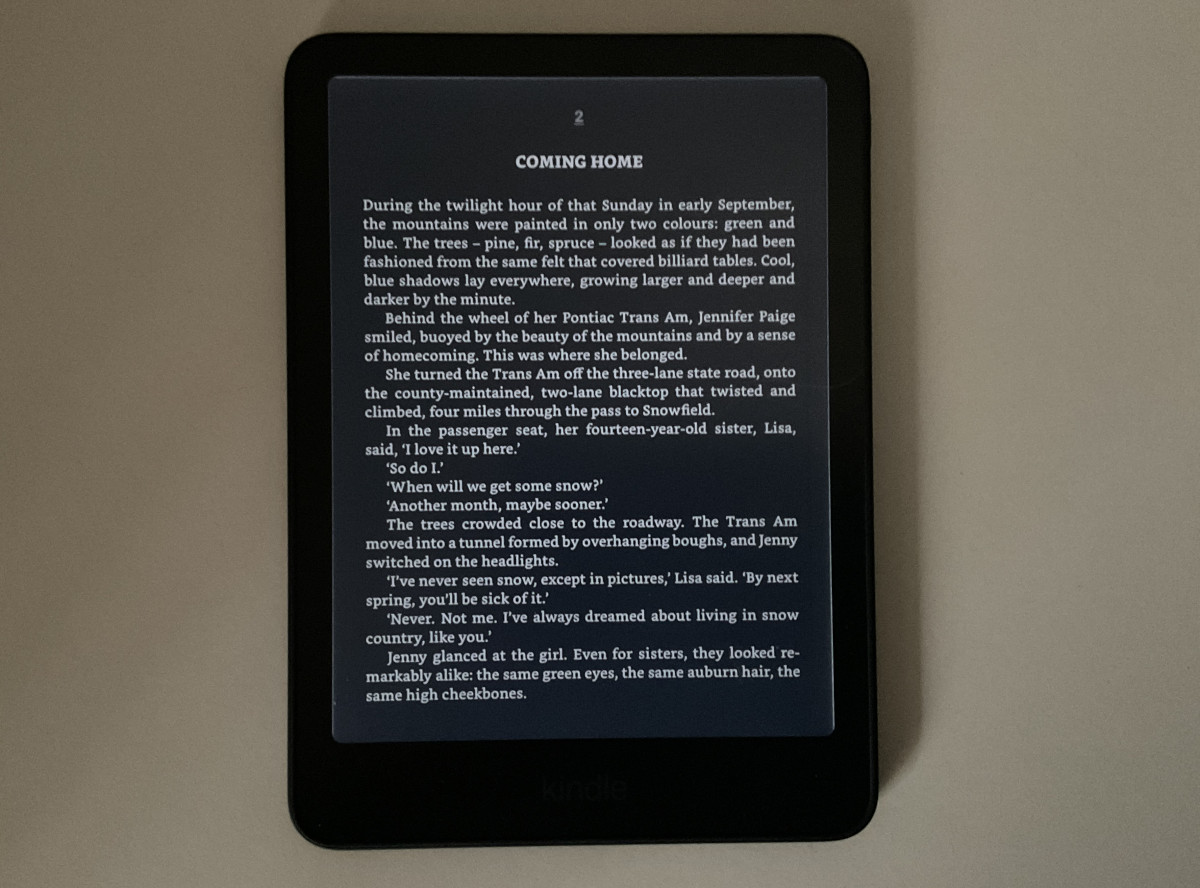
The new 2026 Kindle Colorsoft was officially released today, and my pre-order actually showed up on time (unlike my Paperwhite pre-order that got delayed).
Fortunately for me, I no longer have a first gen Colorsoft so I don’t have to compare them to try and detect minute differences with the E Ink screen (yeah, that gets old for me too). But unfortunately, it didn’t take long to notice an obvious “light bleed” issue with the screen on the new Kindle Colorsoft.
It’s different than what some people are calling “light bleed” on the new 6″ Kindle; frankly, it’s a lot worse. Neither are really light bleed in the traditional sense since Kindles have frontlights instead of backlights, but that’s what people are going to call it so I might as well fall in line.
Basically, what’s happening with the Colorsoft is the frontlight “bleeds” past the edge of the inner bezel, creating a brighter line of light along the screen, particularly in the lower right and lower left corners. It’s noticeable in both Dark Mode and normal mode.
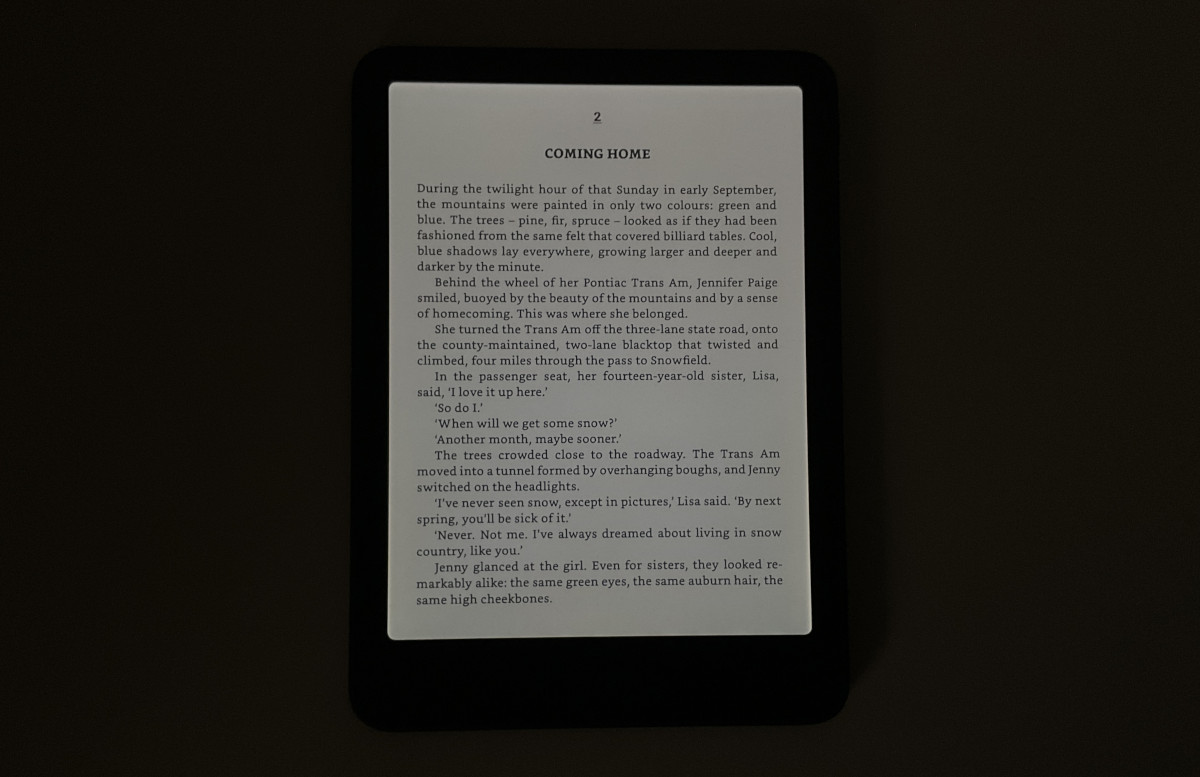
The light isn’t bleeding through the screen like it does with LCD panels, but there is a brighter edge that’s clearly visible at all times when using the frontlight.
On the previous 12th gen Paperwhite (which has the same design as the 1st gen Colorsoft), I have to tilt the screen to extreme angles to see the light line. On the new Colorsoft, I can clearly see the brighter line while viewing the screen straight on in a normal reading position.
I’m hoping this is an isolated quality and control issue since neither of my new 2026 Kindles with a similar flush-front design have this bright line problem (the light reflecting off the bezel is completely different with them and is much less noticeable), and that’s the first thing I’m going to check on my new Paperwhite when it arrives.
Actually, my first impressions of the screen on the new Colorsoft were quite positive. Colors look nice, text is sharp and clear, and the reading experience is fine as long as you have the frontlight cranked up (even I still get surprised by how dark color E Ink screens are after years of reviewing them). But I can already tell that line of brighter light is going to be distracting to my eyes, and I’m hoping my Paperwhite SE doesn’t have it.
Leave a Reply