
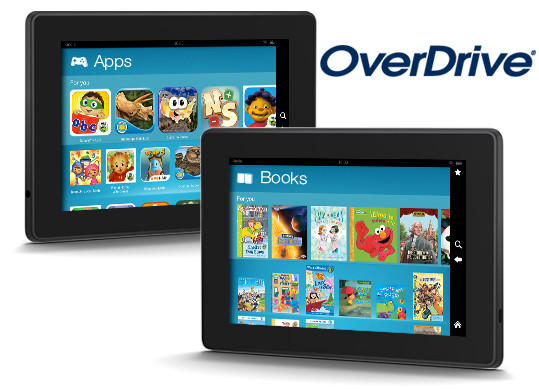
OverDrive, the leading distributor of ebooks to libraries and schools, announced today that ebooks borrowed through OverDrive’s network of libraries can now be used on Kindle Fire tablets using Kindle FreeTime.
OverDrive has supported Kindle devices for several years now, but only through ordinary means, not by using Amazon’s kid-centric Kindle FreeTime app that lets parents setup and control how long kids can use certain features on Kindle Fire tablets. Now that changes.
OverDrive has posted instructions on how to add ebooks borrowed from libraries and schools to Kindle FreeTime.
The ebooks need to be in Kindle format, of course. Once a Kindle Book is delivered to the device, OverDrive notes that the ebooks can be added through the “Manage Content & Subscription” section in FreeTime by using these four steps:
- On the Start screen for FreeTime, tap “Manage Content & Subscription.”
- Tap “Add titles to [name of profile]’s Library.”
- Select “Books” from the dropdown menu.
- Check the box next to the desired title and tap “Done” in the upper right corner. The title will be added.
OverDrive also mentions that the OverDrive app can be added to a Kindle FreeTime profile, which is the easier way to go in the long run becasue you won’t have to add individual titles every time.
More detailed instructions for each Kindle Fire device can be found in Amazon’s Kindle support sections.