
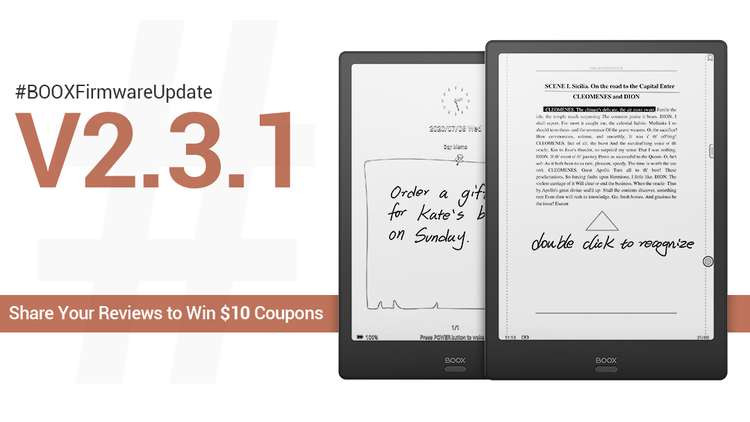
A couple weeks ago Onyx released another software update, version 2.3.1, for their line of Android ebook readers and digital notepads, and among the changes is an interesting new way to convert handwritten notes and shapes added to ebooks and documents when using the built-in NeoReader app.
They introduced the text conversion feature last year to convert handwritten notes to typed text. I really like how it works when using the on-screen keyboard to be able to input text by writing with the stylus and having it converted to typed text.
This new feature is really cool too. All you have to do is double-tap on a section of handwritten notes to have it converted to typed text.
If you double-tap an underlined or circled section, the highlight menu will pop-up with various options to convert the handwritten underline to highlights or different types of underlines. It will take an uneven underline and make it tidy and straight.
The conversion feature also works with certain shapes, like triangles and circles. If you draw a circle and then double-tap it, it will turn into a perfectly round circle.
Another thing they added is the ability to have handwritten asterisk symbols recognized as bookmarks—there’s a new option to enable this in the Handwriting Recognition Settings menu within NeoReader.
Onyx has added a ton of new features over the past couple of years, way more than Amazon or Kobo or anyone else. Frankly some of the changes can be annoying at times but you’ve got to applaud them for their hard work.
Here’s a video showing how the new double-tap features work, along with some of the other new features added in the 2.3.1 update.
I am joining in applauding. Having Kindle application almost makes Amazon devices obsolete. I would like to point out on another very interesting application: Calendar Memo.
Basically, you may add small notes for a day and it automatically tracks Notes and Library items that you have been working with.
Good job.