
If you’ve been waiting for a new jailbreak method to come along that supports Kindles with newer software, the wait is over for several of the latest Kindle models running software all the way up to version 5.19.6—and that was just released last week. Most Kindles out in the wild probably don’t even have that version installed yet.
The new jailbreak is called Véra, and you can find the installation guide on the Kindle Modding website.
It works with the 11th gen basic Kindle (both 2022 and 2024 versions), the 11th and 12th gen Kindle Paperwhites (aka the Paperwhite 5 and 6), the Kindle Colorsoft (both versions), and the 2022 and 2024 Kindle Scribes.
That covers the last two generations of Kindles and it works with the latest software available for all of them, except the newer Kindle Scribes. The latest 3rd gen Kindle Scribes, including the Kindle Scribe Colorsoft, are the only models not supported by any jailbreaking methods currently.
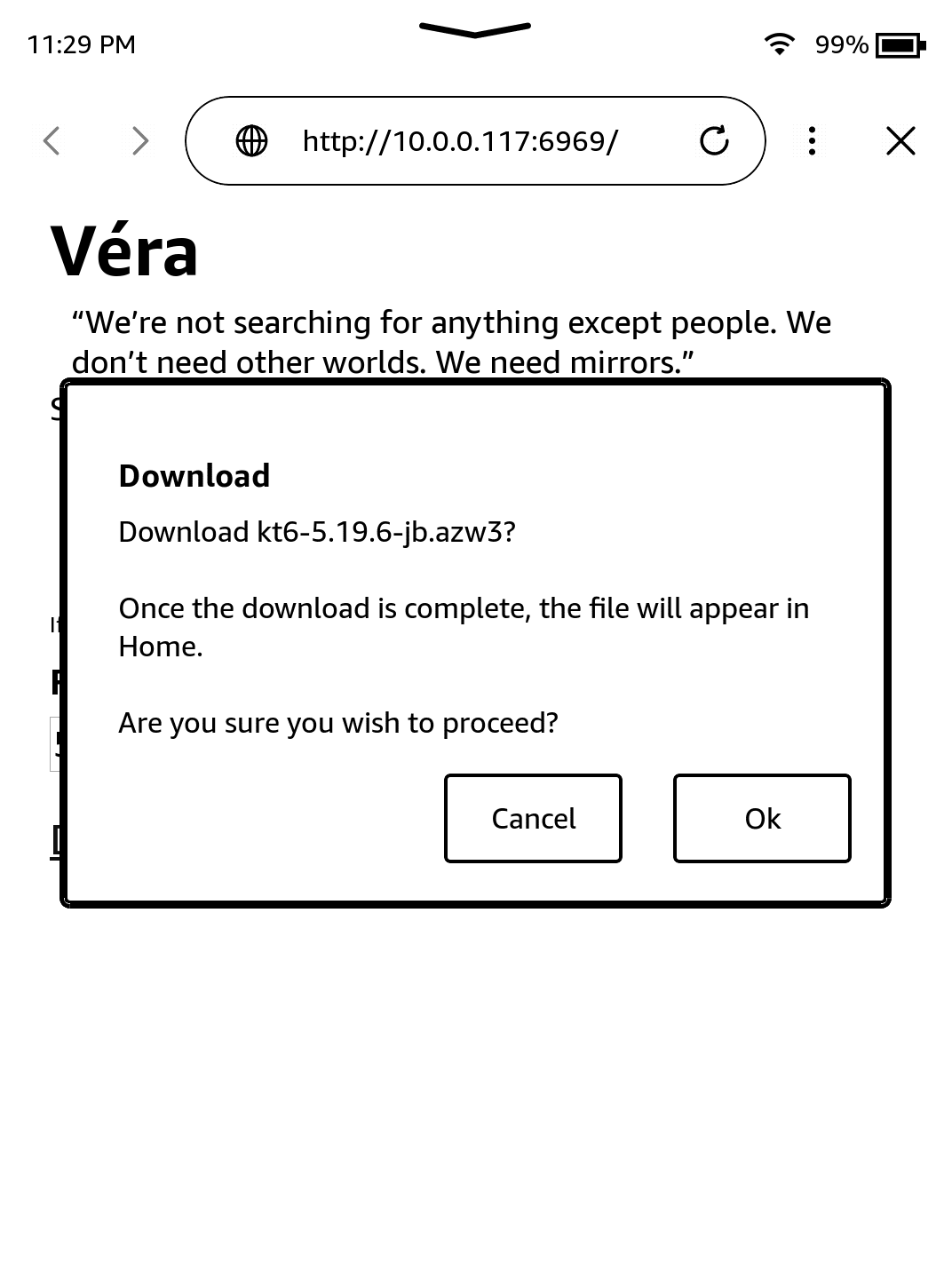
If you have a supported Kindle that works with Véra, you don’t even need a computer to jailbreak it; jailbreaking can be done directly from your Kindle using the crappy built-in web browser (it’s good enough for that!).
Your Kindle isn’t required to have the latest software either; Véra works with older versions as well. Software version 5.17.1 is the minimum version required for most supported Kindle models, except the minimum for the Kindle Colorsoft is 5.18.1 and the minimum for the 2024 Kindle Scribe is 5.17.3.
Check out the Kindle Modding website for more details and the full directions. They have jailbreaking guides for older Kindles too if you have a model that Vera doesn’t support.
Update: I put together a video showing how this works. See this post: How to Jailbreak Kindles and Install KOReader Using Vera.
Thanks for that article, fantastic!
Is it true, that forced updates can be prevented, by filling up the free storage capacity below what is needed for an OS update?
Yeah, but that’s just a step they add so it doesn’t update while jailbreaking, and that doesn’t matter with this version right now if your Kindle is already on the latest firmware, and jailbreaks now block OTA updates automatically so you don’t need to worry about that after the update either.
I’ve been trying it out for a couple of days and have reverted to the original settings. I don’t really need to jailbreak my Kindle devices because I’m one of the few people who actually like the Kindle firmware, and installing KOReader doesn’t offer me anything special, as I have plenty of devices from other brands where I use it (I still think that the integration with the PocketBook system adds value to KOReader). I’ve noticed excessive battery drain. I suppose there must be a way to prevent it, but I haven’t looked into it. That said, installing it directly from the e-reader itself, without using a computer, is very straightforward.