
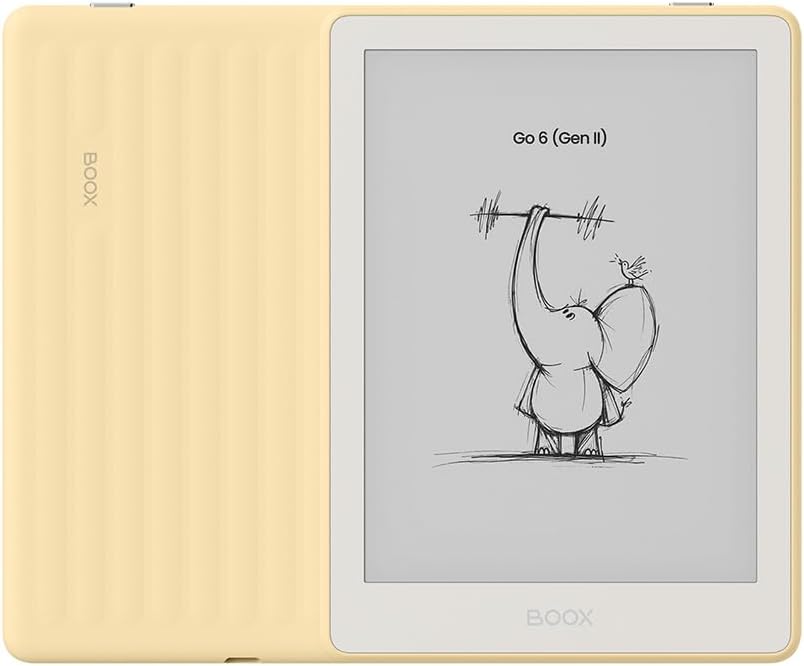
Here’s something that nobody expected to happen. Onyx is now rolling out a software update for the Boox Go 6 Gen II that upgrades the operating system to Android 13.
You don’t have to do anything special to get the update; it’s just a regular software update available from the software section of the settings menu. They’re rolling out the update in batches so you might not see it right away, but the option to update to Android 13 should be available on all Go 6 Gen II’s soon (there’s no mention of the first gen model getting the update).
Onyx is notorious for never updating the Android versions on Boox devices post release, no matter how outdated the Android version is. There was this one time where they released an update from Android 6 to Android 9 on two models in 2021, but it was a complicated process that came with some risks of bricking those devices.
At this point, everyone that follows Onyx knows they don’t update the Android version on Boox devices, and that’s something you have to accept when purchasing a Boox ereader or eNote. Now Onyx is opening up a whole new can of worms with this decision. Is this a one time thing? Are they going to start updating the Android versions on other models now too? Only Onyx knows the answers to these questions, and it’ll be interesting to see how it plays out.
The Boox Go 6 Gen II was released back in June,. There were a lot of complaints about it running Android 11 when it first came out, and that still seems to be the number one complaint against it now so of all their models I can see why Onyx would choose to update it. Their other current devices run Android 13, 15, or 16.
Android 13 is still considered outdated by current standards, but at least it should add some additional years of support for Android apps. Some Android apps like the Kindle app require a minimum of Android 10 to work properly, and you never know when they’re going to bump that up to a newer version, so it’s good to have some more distance between supported versions.
From early reports it doesn’t sound like the Android 13 update really changes anything from a user perspective on the Go 6 Gen II. Onyx uses a customized version of Android with their own launcher and homescreen so it’s a different experience than devices that run vanilla Android. There usually isn’t much of a difference between Android versions on Boox devices unless they added some specific new feature. But it’s good to have a newer version for app compatibility and security reasons.
Leave a Reply