
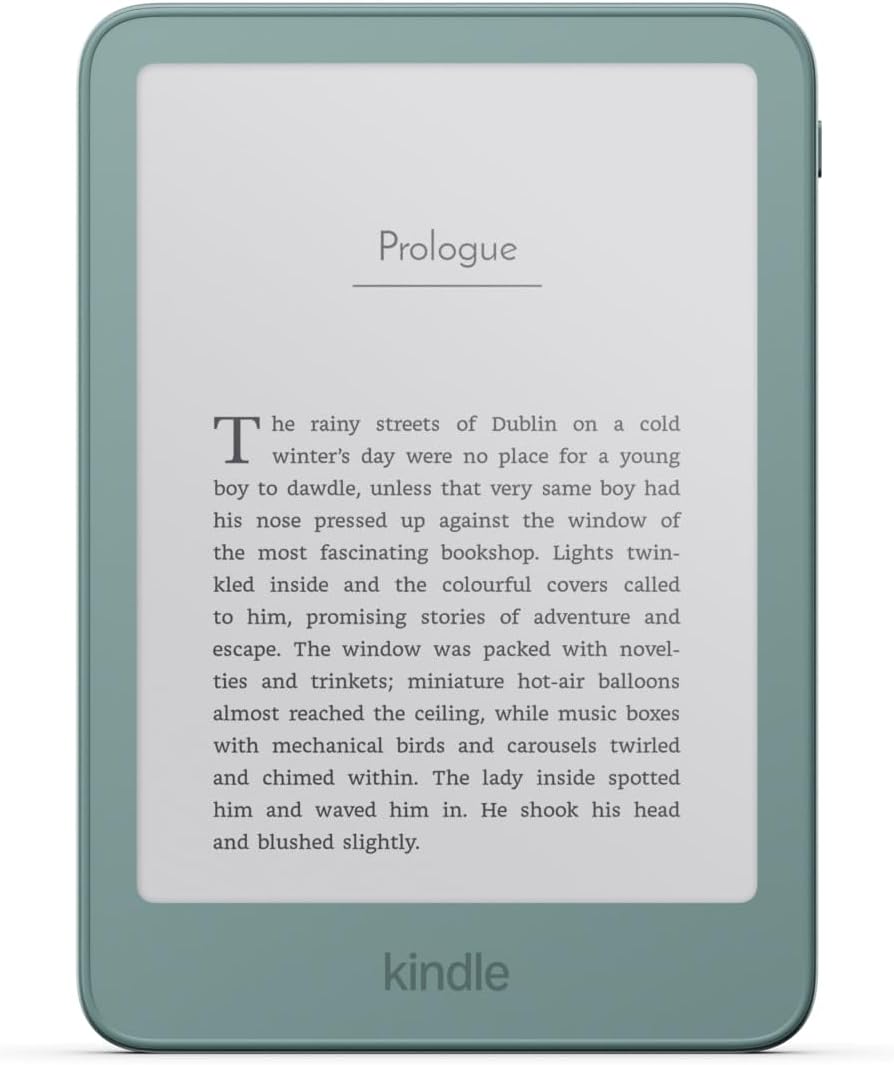
Amazon’s Kindle Software Updates page is now showing a new update for all Kindle Scribes and all Kindle ereaders released in 2024 and later.
The new software version is 5.20.1 for all listed models, which is weird because my new Kindle aluminum is running 5.20.1.0.1 and my Ube Kindle just updated to 5.20.1.0.1 from 5.20.1 as well, so there’s an even newer version floating around out there that isn’t showing up.
The new Kindles are not listed on that page yet, though, so we’ll have to wait for Amazon to update the page.
Since using the new Kindles for 2026, I haven’t noticed any differences with the update compared to the previous 5.19.6 software, and Amazon’s release notes for 5.20.1 don’t show any changes.
However, the 5.20.1 update does add some new features to the Kindle Scribes. Here’s the changelog:
Version 5.20.1 – September 2026
Here’s what’s new:
Dictate with microphone: Use your voice to type in Kindle Scribe. Tap the microphone icon on the keyboard to dictate text in Search, book and document annotations, and notebook names.
Handwritten Sticky Notes (Fixed Layout): You can now add handwritten sticky notes in fixed layout eBooks or personal documents. Use the sticky note tool in the writing toolbar or select text and use the action menu.
Performance improvements, bug fixes, and other general enhancements.
The 2022 and 2024 Kindle Scribes don’t have a microphone so that feature is limited to the newest models.
Early reports seem to suggest this update doesn’t kill the new Vera jailbreak, but it’s still being tested so we’ll have to wait and see how that works out, and I haven’t seen anything about it regarding the 5.20.1.0.1 update. If you don’t want the update turn airplane mode on now.
My SE 12th Gen is much faster and responsive with this update.
Also I checked to see what the trade in value would be for the new aluminum kindle and I would get $30 off plus a $30 gift card.
Don’t do it. It’s a downgrade from the Paperwhite, unless you just prefer the smaller size.
One new feature added on my Colorsoft and the 1st gen Scribe is it shows a charging icon when you plug it to a charger. On the 1st gen Scribes you can turn off the auto shapes function. I also get the perception that my Scribe is a little more responsive when switching between documents.
I noticed there’s now a battery health screen on the 2026 Kindles so that’s something new. There’s a QR code that leads to this Kindle battery guide page at Amazon.
I noticed that my 2022 kindle Scribe is so much more responsive since I installed the latest update, I have a feeling that a new Kindle Scribe is just on the horizon is it has double the storage then I will definitely upgrade to the newest one.
How much storage do you currently have and how much is used?
Hi Nathan!
I have a brand-new Kindle (2026 Release, 16 GB, Graphite), hardware model Z8PC57.
Unfortunately, it’s stuck on the mandatory software update during initial setup. Wi-Fi and Amazon account registration work, but the update download always fails.
I’ve found two firmware packages listed for Kindle 2026: “julep” and “prosecco”. Do you happen to know which one is compatible with the new basic Kindle (2026 Release)?
Amazon still doesn’t provide a manual firmware download for this model, so I’m looking for a safe way to update it via USB.
I’d really appreciate any information you might have. Thank you!
I have no idea. You’d be better off contacting Amazon support for something like that.
Hi! Just wanted to confirm that prosecco worked for my Kindle Basic 2026 (Alpine Sky)! Julep didn’t work. Thanks for mentioning these firmware packages, you saved me!