
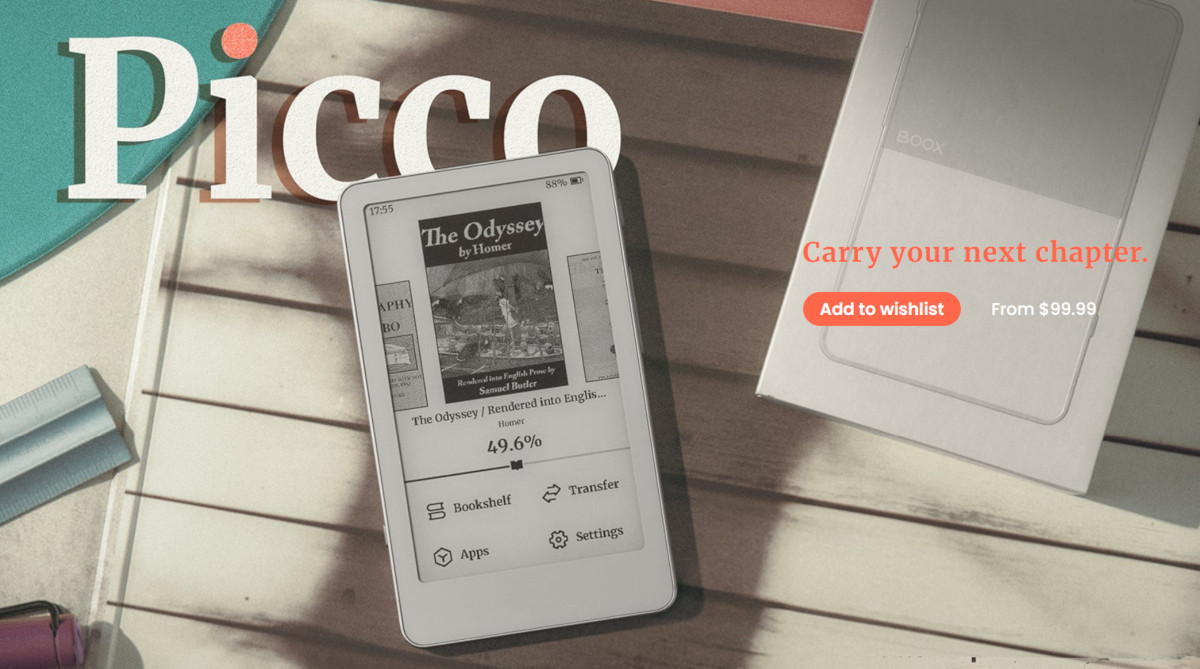
Onyx officially announced the upcoming release of the Boox Picco, their first entry into the mini ereader category, and it has some cool things going for it, but it doesn’t appear to be what people were hoping for, as Onyx has chosen to use a closed OS and an app/web-based file transfer system.
First, let’s go over the good stuff. The Boox Picco has a 3.97″ E Ink screen (235 ppi) with a frontlight (warm and cool) and a touchscreen, with physical buttons to boot. It has a USB-C port, a microSD card slot (a 16GB card is included), and it supports 2.4 GHz WiFi and Bluetooth. It only weighs 58 grams, and it’s pretty tiny at 105.5 x 62 x 5.5 mm. It has a 920 mAh battery.
So far Onyx hasn’t given an exact release date for the Boox Picco, but it should be available soon. The price is listed at $109.99 on Onyx’s website, with the priced crossed out showing $99.99 instead. That’s the same price as the Xteink X4 Pro, and both have similar hardware and features, with the Picco having the advantage with the USB-C port.
The Boox Picco doesn’t run Android like Onyx’s other devices, and it doesn’t support ebooks from Libby or Amazon or Kobo or any of the major ebook stores unless they are DRM-free.
What’s even worse is it appears that you have to use an app or a website to transfer files to the Boox Picco. Here’s this quote from the Boox website, and note the last line in particular:
File Transfer: BOOX Tiles app or web
Document Formats: EPUB, MOBI, AZW3, AZW, AZW5, FB2, FB2.ZIP, FB3, FBZ, TXT, PDB, PRC, RTF, HTML, XHTML, HTM, CHM
Image Formats: PNG, JPEG, WEBP, BMP, GIF
(Formats above require transfer via BOOX Tiles app or web.)
An Onyx rep confirms that on the Q&A section of their website when someone asked if they can transfer ebooks via email, and the reply was that “It supports transferring books via the BOOX Tiles app or the web.”
That could be a serious sticking point for many. Personally, I hate having to use apps to transfer files. It doesn’t sound like the Picco even supports simply transferring files via USB or by placing them on the memory card. Does that mean they’re converting them to some other format during transfer? If so, that’s not going to go over well at all.
The saving grace of the Boox Picco could be the fact that it’s built on the ESP32 platform, like Xteink’s mini ereaders, and there’s a good chance it could support installing custom open source software like CrossPoint and CrossInk.
There is the possibility Onyx could block the Picco from installing custom software, but someone smart will likely figure out a workaround like they did with Xteink’s locked down domestic versions.
Onyx is already trying to cover their corporate asses by getting out in front of this. Here’s a quote from a rep on their website:
We are aware that products with similar hardware configurations on the market support installing third-party firmware. However, we do not recommend attempting this. Modifying the firmware or flashing third-party firmware may not only damage your device, but also void the warranty of your device.
If they’re smart they won’t block people from installing custom software on the Boox Picco, but I think it is reasonable on their behalf to deny coverage if problems arise from doing so. In truth, the people working on CrossPoint are probably more knowledgeable about the ESP32 platform than Onyx’s software team at this point.
Regardless, I look forward to testing out the Boox Picco and seeing how it compares to Xteink’s ereaders. I do expect Onyx’s stock software to be leagues better than Xteink’s garbage so the Picco might not even need alternate software to be good, unless the ebook transfer system is as restricted as it seems.
Please make a video about it when you do!
I was excited to see Boox release theirs, but I don’t like how closed off it is. I’m in love with the x4 pro, honestly. It does everything I want it to! I
It will be possible to place a Crosspoint on it.
Yeah, tuns out it’s already running a version of CrossPoint.
Too expensive with only 235 ppi and all the restrictions and handling with app or web site.
Small Android-based mp3-players are much more versatile and cheaper, though not e-ink. But with a matte screen protector they are quite usable as ereaders on the go, plus they are in colour and one can use one’s favourite reading app.
All problems with the original firmware are easily solved by installing a crosspoint.
e-ink is 90% of the point, otherwise just read on your phone