
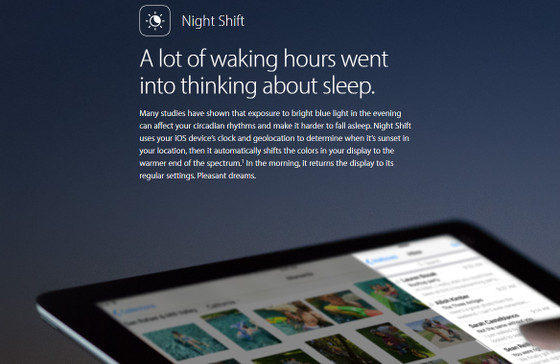
Apple has released a new update for iOS, version 9.3, that adds a number of new features to iPads and iPhones, including a new blue light filter called Night Shift.
Night Shift can be setup to automatically adjust your iPad or iPhone’s color temperate on the display so that it filters out blue light as the day wanes, shifting colors to the warmer end of the spectrum.
It uses your device’s time and location to determine when it’s sunset and sunrise in your area.
You can also manually adjust the Night Shift feature if you’d rather turn it on and off yourself, or setup custom times.
Some studies have shown that exposure to blue light can have a negative impact on sleep quality, so a lot of companies are starting to provide more options for blue light filters on mobile devices, even though similar blue light filters have been around for years.
Amazon recently introduced Blue Shade, a manual setting to adjust blue light, and Google added a new Night Light feature for their Play Books app that also automatically adjusts the color temperature based on the time of day.
Once your iOS device updates to 9.3, you can access the new Night Shift feature by going to Settings > Display and Brightness > Night Shift.
From there you can manually adjust the color temperature to suit your taste. You can also set it to automatically turn on and off based on the time of day, or you can setup custom schedules to automatically turn it on and off at specific times.