
Overview
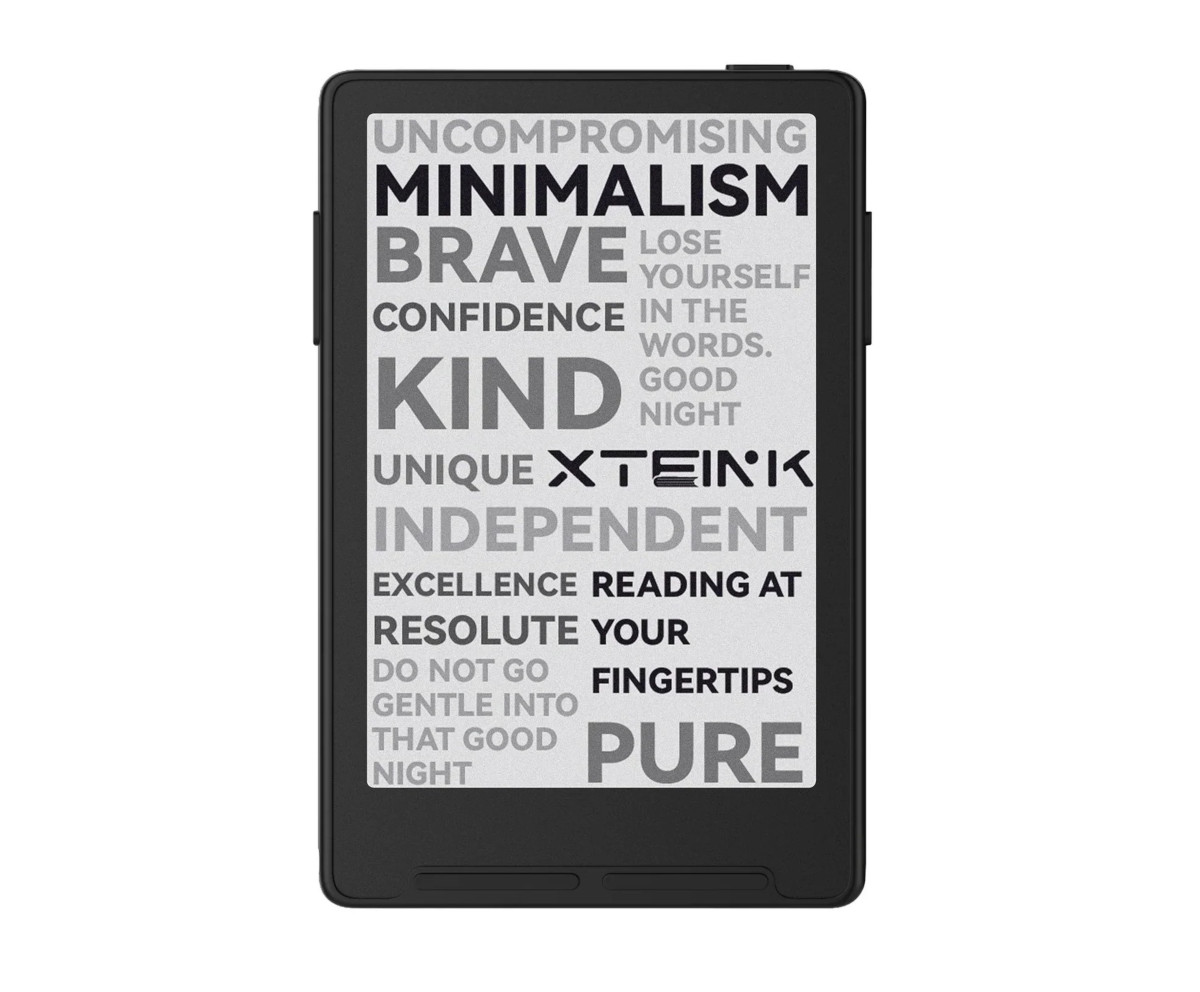
The Xteink X3 is a newer and smaller version of the Xteink X4. It runs the same software as the X4, but it uses a smaller 3.7″ E Ink screen, and the device includes a few features the X4 lacks.
Aside from the smaller size, there are six main things that differentiate the X3 from the X4: the X3 adds a gyroscope to turn pages by tilting the device; it has a higher resolution screen with slightly better contrast; it adds support for NFC; it has pogo pin connectors for charging instead of a USB-C port; the side buttons are different; and the magnets on the back are supposedly optimized for wider compatibility.
Like the X4, the X3 is available in two colors, space black and mist grey. The list price is $79 USD, but it’s often on sale for $69 or less. Some accessories are included in the box it as well: it comes with a microSD USB adapter, a pogo pin charging cable, a screen protector, and 2 magnetic rings. Xteink says it comes with a 16GB microSD card, but both my X3 and X4 came with 32GB cards when I ordered them through Xteink’s Amazon store.
Xteink X3 Review Summary
Pros
- Highly portable and easily pocketable.
- Nice design—it doesn’t feel like cheap plastic like most budget ereaders.
- Custom software can be installed.
- Excellent battery life.
- The E Ink screen looks great, slightly better than the screen on the X4, and the screen on my X3 doesn’t have the sunlight fading issue like my X4.
Cons
- The stock software is super buggy and is nearly unusable in its current state.
- It doesn’t support ebooks with DRM, which includes library ebooks.
- Durability concerns with it being so small and thin.
- No USB-C port—it requires using a special pogo pin cable for charging.
Verdict
I think the X3 is best suited as a secondary ereader, and I wouldn’t recommend it for someone that’s new to ebooks because it doesn’t support most purchased ebooks or library ebooks since the software doesn’t support any forms of DRM. But if you’re comfortable with DeDRMing ebooks and sideloading EPUBs it’s a great device when running custom CrossPoint software.
Like the X4, the X3 lacks a touchscreen and a frontlight, which some people would consider cons, but I like it better that way. Xteink just released the X4 Pro with those features so now there’s an option for that too, but I like how basic the X3 is and I hope they keep the basic models around.
The X3 is great for sticking in your (front) pocket and reading on the go, but I am concerned about the durability with it being so small and thin since E Ink screens are notoriously fragile (they don’t have to be but that’s how E Ink chooses to make them because it’s cheaper). Plus the back of the device has a thin layer of glass as well. You have to be very careful how you handle and transport a device like the X3, but I’m being careful with it and it hasn’t broken yet.
Personally, I like the Xteink X4 slightly more than the X3 because the larger size fits my hands better, and the lower placement of the side button is more comfortable for me, but I ended up like the X3 more than I thought I would, and I’ll keep it around as a backup. I thought the X3 would be too small for reading, but if your eyes can tolerate smaller font sizes it’s perfectly fine, and the smaller size makes it even more portable.
Ayee your review video popped up in my algorithm. Very nice! 😀 I hope you continue to post videos if you can.
Your review sounds a lot like what I’ve thought about the X3 (I purchased an X3 after an X4 as well) & props to you for sticking out the stock firmware for that long! I wanted to keep the stock firmware on my X3 to get a better feel for it, but I just couldn’t. I was having a bunch of issues with it, similar to the issues you had, and decided to flash CrossInk onto it almost immediately to match my X4. I highly recommend giving CrossInk a try; it has dark mode and several other great features. https://github.com/uxjulia/CrossInk She will be pushing another update soon. V1.4.0 has ‘flashing’ issues when turning it on/off as well as when it indexes, but fixes are coming for this issue.
I prefer my X4 over the X3 as well, but I do really like that the X3 can show the time, which is very useful for when I need it (like waiting in doctors’ offices just to keep an eye on time). I wish the X4 had this.
Thanks for your review, Nathan!
Thanks for pointing that out; I didn’t even notice, which shows how oblivious I am to time. It seems like a lot of people like CrossInk. I’ll have to try it out when I get some time.
I think Witch (hunt), one of CrossPoint’s forks, allows you to include the clock in the X4 status bar. What I can’t remember is how to configure the time-updating mechanism.
You’re right, it is Witch (hunt)! Thank you for the tip!