
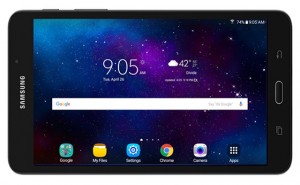
Below is a list of 40 tips and tricks for the Samsung Galaxy A tablet. A couple years ago I posted a tips and tricks guide for the Samsung Galaxy Tab 4, so I’ve gone through and updated it to apply to the newer model. This tips and tricks guide is specifically for the 7-inch […]
How To
How to Fix Disappearing Content Issue on Kindle Fire HD
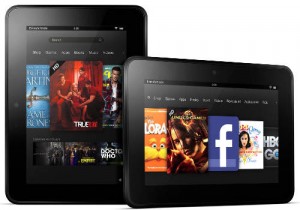
According to a number of user reports over on Amazon’s Kindle forums, some people are experiencing a problem with the 8.9-inch Kindle Fire HD where all content—photos, videos, and apps—suddenly disappears without warning. It turns out there’s an issue with the Kindle Fire HD 8.9″ that causes it to deregister itself, which essentially resets it […]
How to Use Amazon’s Whispersync for Voice and Immersion Reading Features
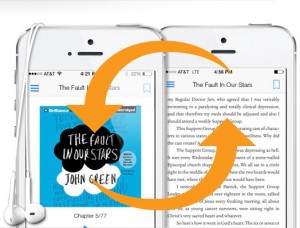
Each month Amazon gives away a free classic ebook and audiobook combination to help promote their Whispersync for Voice and Immersion Reading features. There’s some confusion about how it all works among users, so let’s go over the details and explain how you can make use the free audiobook titles each month. First off, Whispersync […]
List of all Fire Tablets and How to Tell Them Apart
A few months ago I posted an article about a List of all Kindles and How to Tell them Apart that Amazon has on their website. I recently noticed that Amazon has a similar page up for Fire tablets called Which Fire Tablet do I have? The page lists every single Fire tablet that Amazon […]
Two Workarounds for Missing Book Length Dots with New Kindle Update
A number of folks are disappointed with Amazon for removing the dots in list view that gave a visual representation of each Kindle book’s length on the Kindle Paperwhite, Kindle Voyage, and the basic Kindle Touch. The latest 5.7.2 software update brought big changes to the Kindle’s user interface, especially the homescreen, and the reading-length […]
Hate Fire OS 5? Here’s How to Downgrade Back to Fire OS 4
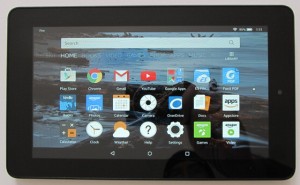
This is a first. Amazon has decided to give 4th gen Kindle Fire tablet owners the option to downgrade back to Fire OS 4 if they decide they don’t like the new Fire OS 5.1.1 update that is automatically rolling out to Fire tablets. The firmware rollback option is available for the Fire HD 6, […]
How to Print From an Amazon Fire Tablet
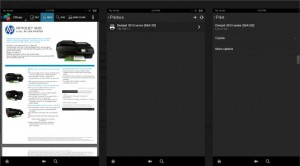
I came across a help page at Amazon the other day that explains how to print from an Amazon Fire tablet. Fire tablets can print all kinds of things, including emails, PDFs, calendar events, pictures, documents, web pages, notes, screenshots, and more. I’ve never been one to print anything from a tablet but the process […]
How to Backup, Restore and Factory Reset Amazon Fire Tablets
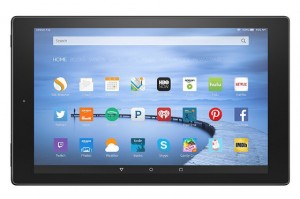
An important but often overlooked feature on Amazon’s line of Fire tablets is the ability to create daily automatic backups so that you can restore your data in case your Fire tablet is ever lost or damaged, or if you need to perform a factory reset for some reason or another. The backup feature saves […]