
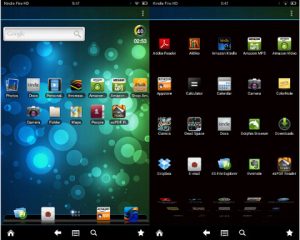
I’ve got some good news and some bad news. The good news is after trying and failing to get several alternate homescreen launchers to work on the Kindle Fire HD—Nova, Apex, Go Launcher, Zeam, Launcher Pro, and others—I finally came across an alternate homescreen that works. The app is called ADW Launcher EX, and it […]
How To
How to Take Screenshots and Open Hidden Camera & Video Recorder App on Kindle Fire HD
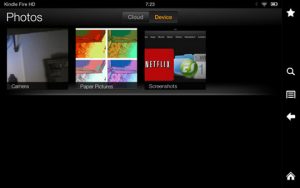
I’ve come across a couple of additional helpful tips for the Kindle Fire HD that I missed on the 40 Tips and Tricks post from the other day, which I just updated this morning to add a video review. The first tip is an easy and very useful one: how to take screenshots. To capture […]
40 Tips and Tricks for Kindle Fire HD (Video)
Below is a list of 40 tips, tricks, hidden features, and recommended apps for the Kindle Fire HD. There’s always a lot to learn when getting started with a new tablet, and these tips can help everyone from the beginner to the advanced user get more out of their Kindle Fire HD tablets. Feel free […]
40 Tips and Tricks for Google Nexus 7 Tablet
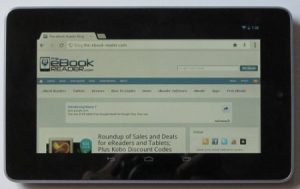
Below is a list of forty tips, tricks, and shortcuts for the Google Nexus 7 tablet, from basic getting started tips for the beginner to hacks and ROMs for advanced users. Feel free to add your own tips in the comments section too! The Basics – Getting Started 1. Nexus 7 Guidebook – The Nexus […]
Android 4.1 Jelly Bean on Kindle Fire Review and How To (Video)
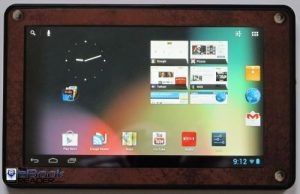
For this review I’m going to show Android 4.1 Jelly Bean on the Kindle Fire and outline everything you need to know to install Android 4.1 on your Kindle Fire. Since Google released the source code for Android 4.1 last week, Android developers have been working hard to get Google’s latest mobile operating system up […]
IdolPad Plus Google Play Store Fix and Other Getting Started Tips
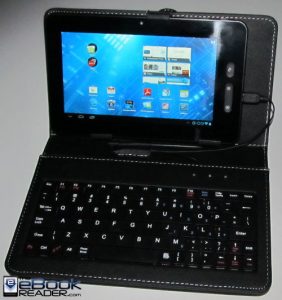
Last week Idolian released a new budget tablet with Android 4.0 called the IdolPad Plus. It is being marketed as the least expensive tablet in its class, and they weren’t kidding about that. It’s selling for only $89 on Amazon and Idolian.com right now. Earlier in the week I received a loaner to review, along […]
How to Root Nook Glow Using GlowNooter, Includes Google’s App Market
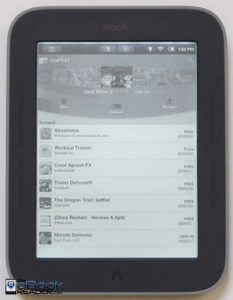
Welcome to another edition of the Nook Glow hacking guide, where you can take a stock Nook Touch with GlowLight and easily turn it into a functioning E Ink tablet, complete with access to Google’s appstore for apps. Plus the Nook’s regular B&N features continue to work just the same, even the GlowLight. Earlier in […]
How to Root GlowLight Nook Touch with TinyNoot (Video)
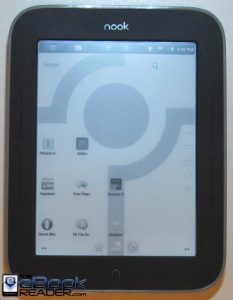
The Nook Touch with GlowLight has been out for a little over two weeks now. The first week a few developers that knew what they were doing were able to root their Nook Glow with a manual rooting method, but that is a little advanced for most people, including myself (Windows doesn’t make it easy). […]